Quick start: from ZIP to live game
The same steps ship as README.md in every download. This page uses Pocket Tower Defense as the example.
1. Requirements
Node >=22.18 and pnpm. No access to our repository or a private registry is needed. Every dependency is either in the ZIP or on the public npm registry, pinned by the lockfile.
2. Install, build and test
# unzip, then from the top folder
pnpm install --frozen-lockfile
pnpm build        # → games/077-pocket-tower-defense/dist/
pnpm typecheck
pnpm test
3. Where things live
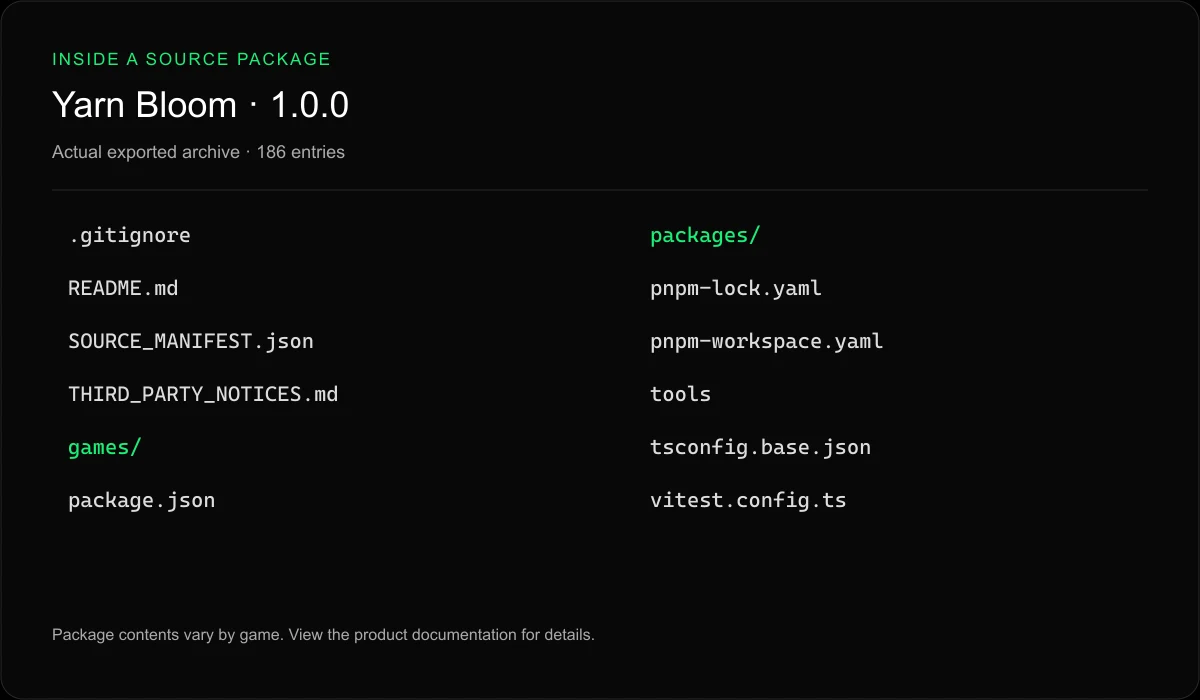
games/077-pocket-tower-defense/src/: game code (TypeScript).packages/: the shared platform code this game uses (13 packages).THIRD_PARTY_NOTICES.md: licences you must keep when you ship.
4. Deploy
Upload the game's dist/ folder to any static host or CDN. Optional URL parameters set language, mute and quality: ?lang=fr&mute=1.
5. Before you ship
Check your license scope, keep the notices file, and test on the browsers your audience uses. Each product page lists our tested browsers and known limitations.