How to edit HTML5 games comes down to one question: do you have the source project or only the built files? With the source, you can change anything: numbers in data files, colours, art, text, languages and the name, then rebuild and redeploy. With only a built, minified game you can swap a few files at best. This guide walks through a full reskin step by step, using the real file layout of our games as the example, so every path and excerpt below comes from a game we sell.
Source project or built files?
A built HTML5 game is an index.html, one or more bundled JavaScript files and sometimes a folder of images and sounds. A source project is what produced that build: readable code, data files, tests and a build tool.
| What you have | What you can change | Catch |
|---|---|---|
| A built game from a portal or a download | Replace an image or sound file with one of the same name and size; edit a visible string if it isn't minified | Fragile, often against the game's terms, and anything compiled into the bundle can't be changed safely |
| A source project with a licence | Rules, balance, levels, art, audio, text, languages, name, platform hooks | You need Node.js and a few commands to rebuild |
If you are asking how to modify HTML5 games you found on a game website, the honest answer is that you usually can't, legally or practically: you don't own them and the code is minified. Buying source with a licence that allows reskinning is what makes the rest of this guide possible.
What you need before you start
- Node.js and pnpm, at the versions the README names. Our games use TypeScript and Vite, and each download's README has the quick start.
- A code editor that understands TypeScript, such as VS Code.
- Git. Commit the untouched package before you change anything, then work on a branch. When an update arrives, you merge it instead of redoing your work.
Then install and start the game with hot reload:
pnpm install --frozen-lockfile
pnpm dev        # local dev server: most edits show up on save
Our quick start covers the same steps with the build and deploy commands.
Step 1: Find where each kind of change lives
Every one of our 50 games uses the same layout, so a reskin plan is a list of files:
| To change | Edit | Code needed? |
|---|---|---|
| Costs, waves, levels, economy, rewards | data/*.json | No |
| Text and translations | src/i18n/<language>.json | No |
| Colours and themes | The palette or theme module in src/art/, and CSS custom properties in src/ui/styles.css | A little |
| Shapes, sprites and 3D models | Drawing modules in src/art/ | Yes |
| Sound effects and music | src/audio/sfx.ts and src/audio/music.ts | Yes |
| Name and save namespace | src/config.ts, index.html, public/game.json | A little |
| Rules | src/sim/ | Yes |
| Where each asset came from | ASSETS.md | No |
Step 2: Rebalance with data files
Gameplay tuning lives in JSON, so the most common changes need no programming. Here is one tower from Pocket Tower Defense, which has ten in data/towers.json:
{
  "id": "bolt",
  "element": "none",
  "cost": 60,
  "unlock": "1-1",
  "base": { "attack": "bolt", "range": 2.6, "cooldown": 0.65, "damage": 12, "targets": "both", "projSpeed": 14 },
  "l2": { "id": "bolt_l2", "cost": 55, "stats": { "damage": 20, "range": 2.8 } },
  "a": { "id": "bolt_twin", "cost": 115, "stats": { "damage": 18, "cooldown": 0.55, "multi": 2 } },
  "b": { "id": "bolt_pierce", "cost": 125, "stats": { "damage": 50, "cooldown": 0.95, "pierce": 1, "range": 3.2 } }
}
cost is in coins, range in board tiles, cooldown in seconds between shots, and unlock names the map where the tower first appears. l2 is the level-2 upgrade, and a and b are the two level-3 branches. Next to it, enemies.json holds each enemy's health, speed, armour and bounty, elements.json the six elemental reactions, and data/maps/world-1.json to world-6.json the 30 maps with their starting lives, coins and waves.
Other genres follow the same idea. In Mini Mart Empire, data/products.json gives each product a department, a sale price, a cost and a colour, and data/economy.json holds the starting cash, zone unlock costs, staff hiring costs and wages:
{ "id": "apple", "dept": "produce", "price": 2, "cost": 1, "weight": 10, "build": 0, "color": "#e8433a" },
{ "id": "carrot", "dept": "produce", "price": 3, "cost": 1, "weight": 7, "build": 25, "color": "#f58a27" },
In Liquid Lab, each data/levels/room-*.json file lists the vessels, their capacity and the layers in each one. Those levels are built and solved by a tool at build time, which records the minimum number of moves as the par, so if you hand-edit a board, rebuild it with the game's level tool so the par stays honest.
Let the tests tell you when balance breaks
Changing one number can make a map unwinnable three worlds later. Our games ship their tests, and some test balance directly: Pocket Tower Defense replays every map with an expert bot that must still earn three stars, and a casual bot that must clear the first world. Mini Mart Empire includes tools/economy-report.ts, which simulates the whole campaign with a bot and reports any day that can't be cleared. Run pnpm test after every round of changes; a red test is much cheaper than a player's one-star review.
Step 3: Change colours and the look
Colour lives in two places. The game world's colours sit in a palette or theme module in src/art/ (palette.ts in most of our games). In Liquid Lab, each liquid is one line:
{ id: 0, key: "azure", color: "#2f8cff", deep: "#1450c8", light: "#8fd0ff", symbol: "circle", ink: "#ffffff" },
{ id: 1, key: "crimson", color: "#ff3b5c", deep: "#b5122f", light: "#ff9fb0", symbol: "triangle", ink: "#ffffff" },
Notice the symbol field: every liquid carries a shape as well as a colour, so colour-blind players can still sort them. Keep that pairing when you recolour, and check that your new colours stay distinct from each other.
Menus, buttons and the HUD are HTML styled with CSS custom properties, so a brand colour change is often a handful of lines in src/ui/styles.css:
--ui-text: #fff4e2;
--ui-star: #ffcf3a;
--ui-success: #7fd34a;
--ui-danger: #ff6b5c;
Check text contrast after any change. WCAG 2.2 asks for at least 4.5:1 for normal text.
Step 4: Replace the art
Check ASSETS.md first: it lists where every asset in the game comes from. In our current catalog, the art is drawn and the sound synthesized in code, so there is no sprite sheet or MP3 folder to swap. That's good for download size and licensing, and it means a reskin takes one of two routes.
Edit the drawing code. Each object has a painter function in src/art/ that draws it with canvas calls. Changing shapes, proportions and colours there keeps everything crisp at any resolution.
Load your own images instead. In our Phaser games, the painters render each object into a texture with a named key at startup; in Pocket Tower Defense, a level-1 Bolt tower is tw-bolt-1 and an enemy frame is en-mite-0. Load your image under the same key and make the painter skip it, and the rest of the game uses your art without further changes:
// In a scene's preload(): put the file in public/art/
this.load.image("tw-bolt-1", "art/bolt-tower.png");

// In src/art/textures.ts: don't paint over keys you supply
const CUSTOM = new Set(["tw-bolt-1"]);
// first line of paint(): if (CUSTOM.has(key) && scene.textures.exists(key)) return;
Draw your image at the size the painter used (the constants are at the top of each art module), or the anchor points will drift. The 3D Three.js games build their meshes and materials in code too; to use modelled assets, load glTF files with GLTFLoader and swap the mesh where the art module creates it.
Whatever you add, record its origin and licence in ASSETS.md and keep THIRD_PARTY_NOTICES.md in what you ship.
Step 5: Edit text and add languages
All player-facing text sits in src/i18n/<language>.json, never in scene code. Most of our games ship English, French, Spanish, German, Portuguese and Arabic:
"game": {
  "title": "Liquid Lab",
  "tagline": "Pour. Sort. Seal the formula."
},
"home": {
  "playLevel": "Experiment {level}"
}
Three rules keep translations working. Every language file needs the same keys as English; placeholders such as {level} must survive translation unchanged; and nothing may be empty. The tests check all three, and at runtime a missing key falls back to English rather than showing a blank.
To add a language, copy en.json to a new file such as it.json, translate it, and register it in src/i18n/index.ts. Players get it from their browser language or from a ?lang=it URL parameter. Right-to-left languages (Arabic, Hebrew, Persian and Urdu) switch the layout direction automatically. Check fonts before you translate into a new script: Liquid Lab's bundled fonts are Latin-only, so Arabic falls back to the system font, and Cyrillic or Chinese would need the same check.
Step 6: Rename and rebrand
A rename touches more files than the title screen:
src/config.ts:GAME_TITLE, andGAME_ID.game.titlein every language file.index.html: the<title>andtheme-color.public/game.json,public/icon.svgand the images inpublic/media/.- Any test that checks the title, since some games verify it is the same in every language.
Change GAME_ID even if you keep the gameplay. Saves are stored per game id in the browser (IndexedDB, with localStorage as a fallback), so two reskins of the same game on one domain with the same id would share and overwrite each other's progress.
Step 7: Build, test and deploy
pnpm typecheck
pnpm test
pnpm build      # writes the static build to games/<id>/dist/
pnpm preview    # serves that build locally for a last check
Upload the dist/ folder to any static host or CDN; no backend is needed. URL parameters set the language, mute and quality, for example ?lang=fr&mute=1. Our guides to hosting HTML5 games and HTML5 mobile game development cover the platforms. Before you upload, pnpm e2e runs the game's Playwright smoke test against your production build (the README shows the one-time browser install), and pnpm build:release checks size budgets and relative paths.
How far your licence lets you go
Reskinning, rebranding and monetising are allowed under both of our licences (draft terms). The Standard licence covers one end product with one production web deployment plus staging. The Extended licence covers up to five end products including client work, or up to three portal domains your company owns. Neither allows redistributing or reselling the source. The licensing page has the details.
If you reskin for clients, our white-label page for agencies explains how client handoff works. We plan to offer reskin and customization as services; they are not on sale yet, and our development page will list them when they are. For something new rather than a reskin, you can request an exclusive game. These three games are the most data-driven places to start:
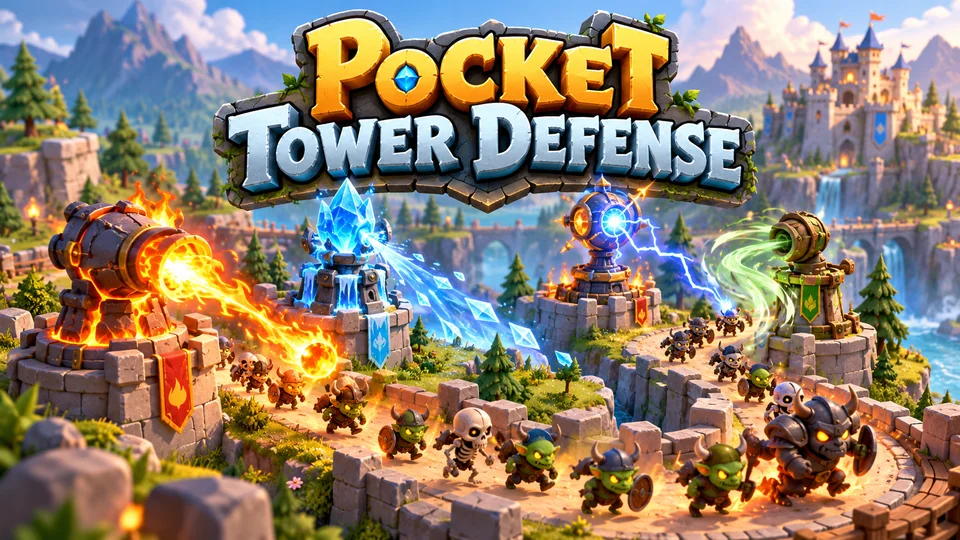
Pocket Tower Defense
Defend compact lanes with repositionable towers and elemental combinations.
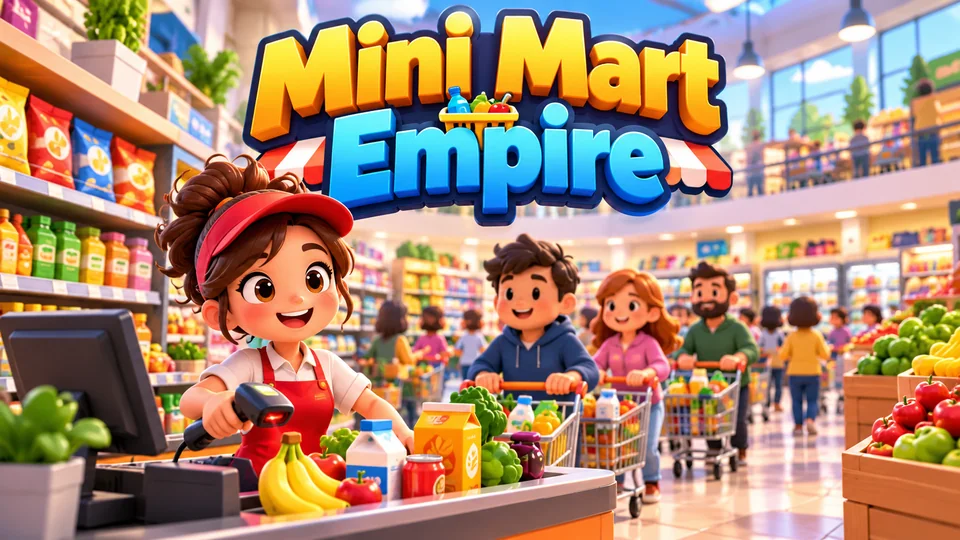
Mini Mart Empire
Start with one shelf and checkout, restock products, serve shoppers and expand into a busy supermarket.

Liquid Lab
Pour layered liquids between tubes until each vessel contains a single formula or valid compound.
Frequently asked questions
Can I edit an HTML5 game I downloaded from a game website?
Usually not. Portal games are someone else's property, and their builds are minified, so even small edits are fragile. To change a game properly you need its source project and a licence that allows modification.
Do I need to know programming to reskin an HTML5 game?
Not for everything. Balance, levels, prices and text are JSON files you can edit in any text editor, and colours are CSS or one-line palette entries. New art, new mechanics and new sounds need some TypeScript, because they live in code.
Can I edit an HTML5 game without rebuilding it?
Not reliably. Data and text are compiled into the build, so every change needs pnpm build and a fresh upload. During development, pnpm dev rebuilds on save, so you see most edits within a second.
Will my changes survive game updates?
Yes, if you use Git. Commit the original package, keep your edits on a branch, and merge each update into it. Changes kept in data and language files rarely conflict with code updates.
How long does a basic reskin take?
It depends on how much art you replace. New colours, a new name and rebalanced data are a small job for someone comfortable with the tools; redrawing every object or adding a new mechanic is a project. List your changes against the table in step 1 to size it before you start.
We make and sell HTML5 game source code; links to our games are marked as ours.