Adventure games suit the browser well: they're mostly static scenes, clicks and text, so they load fast and run on any device. The hard part isn't the technology but the content (art, writing, puzzles) and the systems that hold it together: scenes, clickable hotspots, an inventory, dialogue and the story flags that remember what the player has done. This guide compares the HTML5 point-and-click game engines and text adventure tools worth using in October 2026, then shows how to build each system yourself.
If you've never made a browser game, start with how to make an HTML5 game, which covers the canvas, the loop and input.
HTML5 point-and-click game engines compared
| Tool | What it is | How it reaches the browser | Best for |
|---|---|---|---|
| Adventure Game Studio (AGS) | Free, open-source Windows editor made for classic point-and-click games | A Web (Emscripten) build target since version 3.6.0 | Retro-style adventures with a big, specialised community |
| Godot 4 + Popochiu | Popochiu is an MIT-licensed point-and-click plugin for Godot, inspired by AGS and PowerQuest | Godot's web export (WebGL 2, GDScript only) | Modern adventures if you already like Godot |
| Phaser 4 | General 2D framework | Native: it's JavaScript | Full control, custom interfaces, hybrid puzzle games |
| Ren'Py | Visual novel engine | A "Web (Beta)" build in the launcher | Choice-driven, dialogue-heavy stories |
| Twine | Interactive fiction editor | Publishes one HTML file | Branching text stories, no code needed |
| ink + inkjs | Narrative scripting language from inkle | inkjs runs compiled ink in the browser | Dialogue and branching story inside a custom game |
| Inform 7 | Natural-language system for parser games | Releases with a JavaScript interpreter | Classic "go north, take lamp" text adventures |
Which adventure game engine for HTML5 should you pick? If you want a traditional point-and-click with walking characters, verb interfaces and dialogue trees, and you're happy with a Windows editor, AGS has the most adventure-specific tooling. If you want a modern engine with a wider future, Godot with Popochiu is the closest equivalent. If your game mixes adventure with other mechanics, or you need full control over loading, scaling and touch input, write it in Phaser or plain JavaScript using the patterns below.
Adventure Game Studio and HTML5 export
AGS added Web/Emscripten as a build target in 3.6.0; the release notes say it needs the "Web build component" installed. According to the web port's forum thread, you select Web under General Settings, Compiler, Build target platforms, then build as usual; the files land in Compiled/Web. Test them through a local server (opening index.html from disk won't work), then zip the folder's contents to upload to a site like itch.io.
Notes from the port's author worth knowing before you commit: MIDI music doesn't play in the web build, so use OGG; very large games give a poor experience in the browser because everything has to download first; and interfaces that rely on more than a left click are awkward on phones. Those notes date from the port's first releases, so check the current thread for your AGS version.
How to make an HTML5 point-and-click adventure game
If you code it yourself, an adventure game is mostly data plus a click handler. Here's the structure we'd use.
Scenes and hotspots as data
Each scene is a background image plus a list of hotspots. A hotspot is a polygon in scene coordinates with what happens when the player looks at it, takes it or uses it. Keeping this in JSON means a writer can add rooms without touching code:
{
  "id": "cellar",
  "background": "cellar.webp",
  "hotspots": [
    { "id": "door", "poly": [610, 140, 700, 140, 700, 380, 610, 380],
      "look": "A heavy oak door. Locked.", "use": { "needs": "key", "goto": "garden" } },
    { "id": "key", "poly": [300, 420, 340, 420, 340, 440, 300, 440],
      "take": "key", "hideIf": "hasKey" }
  ]
}
Hit-testing clicks against polygons
Rectangles are too crude for doors, tables and characters, so test clicks against polygons. The standard ray-casting test counts how many polygon edges a horizontal line from the click crosses; an odd number means inside:
function inside(px, py, poly) {          // poly: [x1, y1, x2, y2, ...]
  let hit = false;
  for (let i = 0, j = poly.length - 2; i < poly.length; j = i, i += 2) {
    const xi = poly[i], yi = poly[i + 1], xj = poly[j], yj = poly[j + 1];
    if ((yi > py) !== (yj > py) && px < ((xj - xi) * (py - yi)) / (yj - yi) + xi) hit = !hit;
  }
  return hit;
}

function click(x, y) {                   // x, y already converted to scene pixels
  const spot = scene.hotspots.find((h) => !flags[h.hideIf] && inside(x, y, h.poly));
  if (!spot) return walkTo(x, y);
  if (spot.take) { inventory.push(spot.take); flags[spot.hideIf] = true; say(`You take the ${spot.id}.`); }
  else if (spot.use && (!spot.use.needs || inventory.includes(spot.use.needs))) goTo(spot.use.goto);
  else say(spot.look);
}
In Phaser you get the same thing built in: sprite.setInteractive(new Phaser.Geom.Polygon(points), Phaser.Geom.Polygon.Contains) for polygon hotspots, or setInteractive({ pixelPerfect: true }) for an object drawn as its own sprite. Pixel-perfect testing is slower, so keep it for a handful of objects at a time.
Scale your scenes to fit the screen, and convert pointer positions back to scene coordinates before testing, so hotspots stay correct at any window size. Our guide to HTML5 game scaling explains the maths.
Inventory and combining items
The inventory is an array of item ids. Combining items is a lookup table, not code: { "rope+hook": "grappling-hook" }, with the two ids sorted so the order the player picks them in doesn't matter. Using an item on a hotspot is the needs check above. Show the inventory as a bar of large icons that works with taps as well as drags.
Dialogue trees
Dialogue is a graph: each node has a line of text and a set of choices, and choices can require or set flags. For anything beyond a few conversations, write it in ink. Writers use the free Inky editor, which exports compiled JSON, and inkjs plays it in your game. You read the next line, show the choices, and pass back the one the player picked. Ink and Inky are MIT-licensed.
Story flags, chapters and saves
A story mode in any HTML5 game, adventure or not, comes down to flags and chapters. Store everything the story needs to remember in one object: { chapter: 2, metHermit: true, bridgeFixed: false }. Scenes, dialogue and hotspots read those flags, and puzzles set them. Saving is then one JSON.stringify of the current scene, the inventory and the flags into localStorage, wrapped in try/catch because some browsers and embedded frames block storage. Add a version number so later updates can migrate old saves.
Make it playable on touch screens
Phones have no hover, so players can't sweep the mouse to find hotspots. Common fixes: a button that briefly highlights every hotspot, a first tap that shows the object's name and a second tap that acts on it, and hotspots at least the size of a fingertip. A single-verb interface (tap to do the obvious thing) suits phones far better than a nine-verb panel.
How to create an HTML5 hidden object game
A hidden object game is a large, detailed scene with a list of objects to find. The structure is the same as a point-and-click scene: every findable object is a polygon or its own sprite with a pixel-perfect hit test. What makes it work on the web:
- A wrong-tap penalty (a short cooldown) so players can't tap everywhere at random.
- Hints that pulse the area around an unfound object, recharging on a timer.
- Zoom and pan on phones, because objects that are fair on a monitor are invisible on a 6-inch screen.
- Scenes reused with different object lists, which is how the genre gets a lot of play from each piece of art.
Our Glass Shelf Triple isn't a hidden object game, but it shares the core loop of spotting and tapping the right objects: players pick three identical objects from a layered 3D display cabinet, and clearing the front reveals deeper layers. You can play it on its product page.
HTML5 text-based game tutorial
Choosing an HTML5 text game engine
For branching, choice-based stories, Twine is the quickest start: you write passages and links in a visual editor, and it publishes straight to an HTML file you can host anywhere. Its default story format is Harlowe; SugarCube offers built-in save slots and more scripting. The Twine site says anything you make with it is free to use, including commercially. For parser games where the player types commands, Inform 7 can release your game along with a JavaScript interpreter, producing a folder you upload to a web server. For dialogue inside a larger game, use ink.
Code a text-based game in HTML5 yourself
A parser adventure in plain JavaScript starts with rooms as data and a function that turns a typed command into a response:
const rooms = {
  hall: { text: "A dusty hall. A door leads north.", exits: { north: "library" } },
  library: { text: "Shelves climb to the ceiling. The hall is south.", exits: { south: "hall" } },
};
let here = "hall";

function command(input) {
  const [verb, noun] = input.trim().toLowerCase().split(/\s+/);
  if (verb === "look") return rooms[here].text;
  if (verb === "go" && rooms[here].exits[noun]) {
    here = rooms[here].exits[noun];
    return rooms[here].text;
  }
  return "You can't do that here.";
}
Connect it to an <input> and an output list in the page. Put aria-live="polite" on the output so screen readers announce each response; text games are one of the few genres blind players can enjoy fully, so it's worth getting right. From here, add items with take and drop, synonyms (n for north), and a save command that stores here, the inventory and the flags.
We don't sell adventure games yet
None of our 50 games is a point-and-click or text adventure. The closest are merge games with story campaigns, such as Merge Café Story (restore a rundown café through a story of orders and merges) and Island Craft Merge (restore an abandoned tropical island). Each is a complete TypeScript project you can play in the browser before buying.
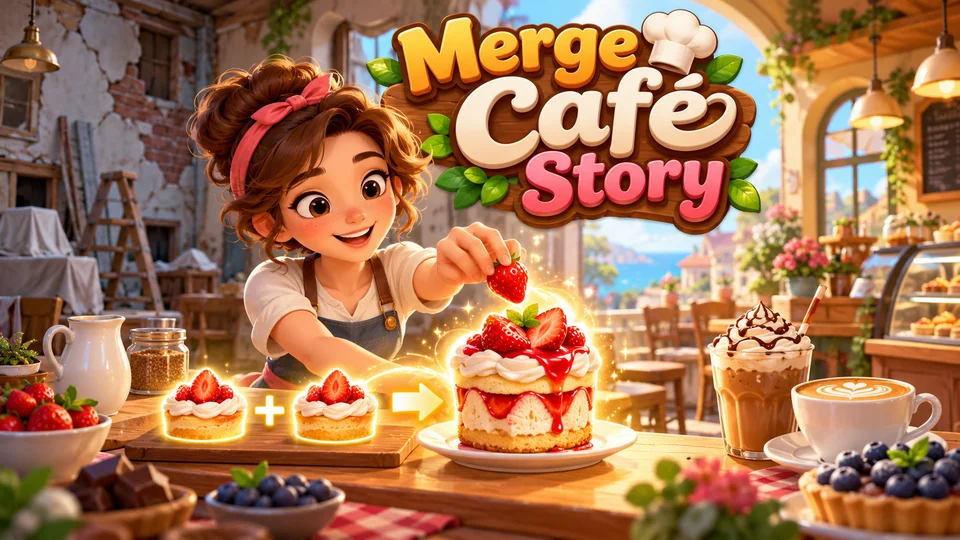
Merge Café Story
Merge ingredients into drinks and desserts, fulfill customer orders and restore a rundown café.
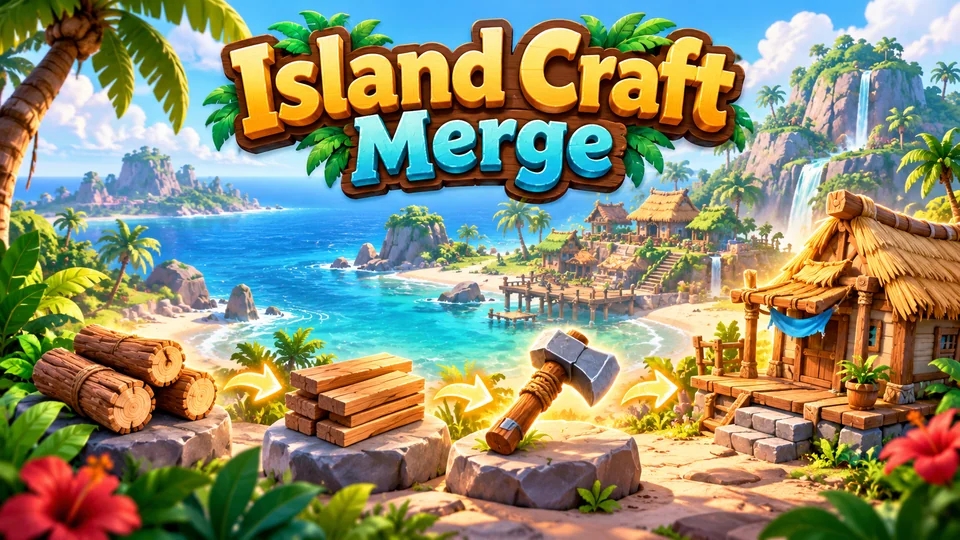
Island Craft Merge
Merge raw materials into tools and structures to restore an abandoned tropical island.
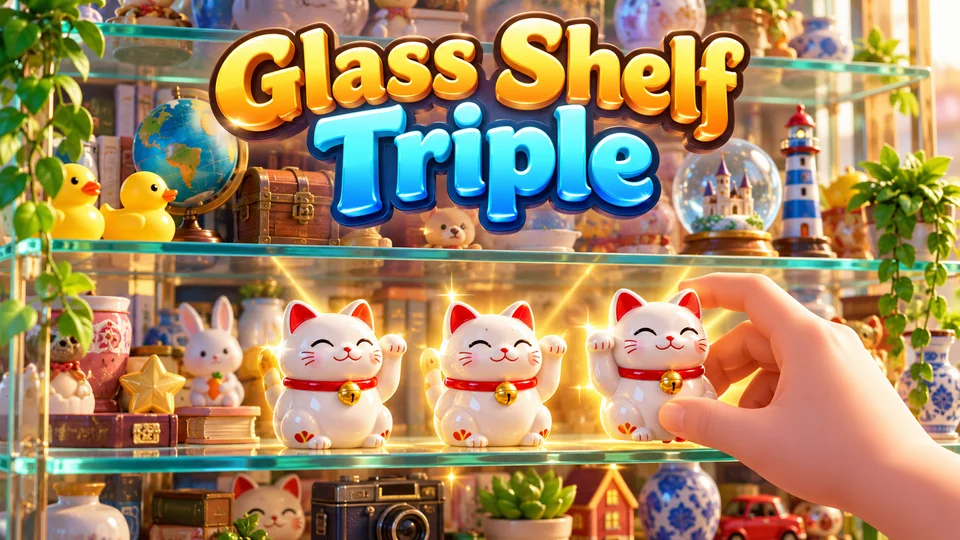
Glass Shelf Triple
Select three identical objects from a layered display cabinet; clearing front objects reveals deeper layers.
If you want an adventure game in the catalog, suggest it on our public roadmap and vote; if your idea ships, you get a free game credit. For a small adventure made only for you, send a brief through exclusive game requests: the brief is free and you pay only if we accept it. You can also browse all our HTML5 games, or read our sibling guides on making an HTML5 RPG and making an HTML5 strategy game.
Frequently asked questions
What is the best HTML5 point-and-click game engine?
For a classic adventure with the least custom code, Adventure Game Studio with its web build target, or Godot 4 with the Popochiu plugin. For full control over the browser version, including loading, scaling and touch controls, build it in Phaser or plain JavaScript with polygon hotspots and data-driven scenes.
Can Adventure Game Studio games run in a browser?
Yes. Since version 3.6.0, AGS can build for the web through its Emscripten port, once the Web build component is installed. Test the result before committing: MIDI music isn't supported in the web build, and very large games load slowly because the browser downloads everything first.
What is the best HTML5 text game engine?
Twine for choice-based stories, because it publishes a single HTML file with no code required. Inform 7 for parser games where players type commands. ink with inkjs when the text is part of a bigger game with its own graphics and interface.
Do point-and-click games work on phones?
They can, if you design for touch: no reliance on hover, a hotspot-highlight button, large hotspots, a single-tap interaction model and scenes that scale to the screen. Ports of mouse-first games often struggle on phones for exactly these reasons.
We make and sell HTML5 game source code; links to our games are marked as ours.