A strategy game is a set of rules applied to a map: who owns what, who can move where, and what happens when two sides meet. The browser part (drawing, input, sound) is the same as in any HTML5 game; the work is in the rules, the AI and the interface that lets players give orders quickly. This HTML5 strategy game tutorial covers the architecture first, then turn-based games on hex grids, real-time strategy, city builders, a Clash of Clans-style base builder, and two canvas classics: trench warfare and territory expansion.
New to browser games? Read how to make an HTML5 game first. It covers the canvas, the game loop and input, which this guide builds on.
Choosing an HTML5 strategy game engine
Strategy games don't need a special engine. They need tilemaps (square, isometric or hex), a camera that pans and zooms, pointer input that handles taps, drags and selection boxes, and a solid UI layer. Any general 2D engine provides those:
| Option | Strengths for strategy | Notes |
|---|---|---|
| Phaser 4 | Tilemaps in orthogonal, isometric, hexagonal and staggered layouts; cameras; scenes for map, battle and menus | MIT; the engine behind all four of our strategy games below |
| PixiJS | Very fast 2D rendering for thousands of units | A renderer only: you write the game structure |
| Excalibur | TypeScript-first 2D engine with a Tiled plugin | Good for large, typed codebases |
| Godot 4 | Full editor with a web export | Web builds need GDScript; C# projects can't export to the web |
For an HTML5 RTS game engine, the honest answer is the same list. RTS games live or die on their simulation, pathfinding and networking, and you'll write those yourself whichever renderer you choose. Our HTML5 game engines guide compares the options in detail.
The architecture that keeps strategy games sane
Keep the game state as plain data and the rules as functions that take a state and return a new one. The renderer only reads the state. This one decision pays for itself many times over:
- AI can think ahead. It can copy the state, try a move and score the result without drawing anything.
- Saves are trivial. The whole game is a JSON object.
- Rules are testable. You can unit test "a spearman beats cavalry on plains" without opening a browser.
- Replays and multiplayer become possible, because the same commands applied to the same state give the same result.
Put numbers in data files too: unit costs, damage tables, build times and map settings. In all of our games, economy, waves and level tuning live in JSON, so balancing a strategy game is editing a file, not a release.
HTML5 turn-based strategy game tutorial
Square or hex grid?
Square grids are easier to code and fit city builders and tactics games. Hex grids make movement fairer, because all six neighbours are the same distance away, which is why so many war games use them. The definitive reference is Red Blob Games' guide to hexagonal grids. With axial coordinates (q, r), neighbours and distance are one line each:
const HEX_DIRS = [[1, 0], [1, -1], [0, -1], [-1, 0], [-1, 1], [0, 1]];
const neighbors = (q, r) => HEX_DIRS.map(([dq, dr]) => [q + dq, r + dr]);
const hexDistance = (a, b) => (Math.abs(a.q - b.q) + Math.abs(a.q + a.r - b.q - b.r) + Math.abs(a.r - b.r)) / 2;
const key = (q, r) => `${q},${r}`;
Turns, selection and movement range
A turn-based game runs a small state machine: select a unit, show where it can go, pick a target, resolve, repeat, then end the turn and let the AI play. Showing the movement range is a search outward from the unit that spends movement points, where forests cost more than plains and water or enemy units block:
function reachable(start, movePoints, cost) {
  const spent = new Map([[key(start.q, start.r), 0]]);
  const queue = [start];
  while (queue.length) {
    const cur = queue.shift();
    for (const [q, r] of neighbors(cur.q, cur.r)) {
      const total = spent.get(key(cur.q, cur.r)) + cost(q, r); // cost is Infinity for water or enemies
      if (total <= movePoints && total < (spent.get(key(q, r)) ?? Infinity)) {
        spent.set(key(q, r), total);
        queue.push({ q, r });
      }
    }
  }
  return spent; // "q,r" -> movement points used to get there
}
Highlight every hex in the result. When the player taps one, find the actual route with A, which Red Blob Games explains step by step in its [introduction to A](https://www.redblobgames.com/pathfinding/a-star/introduction.html), and animate the unit along it.
An AI that scores its options
You don't need machine learning for a good strategy AI. List every legal action for a unit, give each one a score, and pick the best:
function chooseAction(unit, state) {
  let best = null, bestScore = -Infinity;
  for (const action of legalActions(unit, state)) {
    const score = scoreAction(action, state); // damage dealt, minus damage risked, plus value of the tile
    if (score > bestScore) { bestScore = score; best = action; }
  }
  return best;
}
The intelligence lives in scoreAction: reward attacks the unit will win, capturing towns and protecting wounded units, and penalise ending a move next to stronger enemies. Difficulty levels are then easy: add random noise to the scores on easy, and let the hard AI look one move ahead by simulating the player's best reply. Make sure the AI plays by the player's rules, including fog of war; players notice when it doesn't.
Fog of war
Keep two sets per player: tiles visible now and tiles explored before. After each move, mark every tile within each unit's sight range (hexDistance(unit, tile) <= unit.sight) as visible and explored. Draw unexplored tiles black, explored but not visible tiles dimmed with their last known contents, and hide enemy units outside visible tiles. Compute it from the state, never store it in the renderer.
HTML5 RTS game tutorial: real-time strategy in the browser
Real-time strategy uses the same parts plus three harder problems.
A fixed-step simulation. Run the rules at a fixed rate, such as 20 ticks a second, no matter how fast the screen refreshes, and draw between ticks. That keeps combat results identical on every device:
const TICK = 1 / 20; // the simulation runs 20 times a second
let acc = 0;
function frame(dt) {
  acc += Math.min(dt, 0.25);
  while (acc >= TICK) { simulate(TICK); acc -= TICK; }
  render(acc / TICK); // 0..1: how far between two ticks, for smooth drawing
}
Many units. Checking every unit against every other unit gets slow quickly. Put units in a spatial hash (a grid of buckets) so each one only checks its neighbours, and move groups with a flow field (one pathfinding pass that points every tile toward the goal) instead of running A* per unit.
Controls on every device. Drag-select works with a mouse. On phones, use tap to select, tap to order, drag to pan and pinch to zoom, and make units big enough to hit with a finger.
For multiplayer RTS, the classic approach is deterministic lockstep: every player runs the same simulation and only commands travel over the network. The Age of Empires developers described it in 1500 Archers on a 28.8. In JavaScript, determinism needs care: use a seeded random number generator and avoid Math.sin and similar functions in the simulation, since the language specification lets browsers approximate them differently.
HTML5 city building game
A city builder is a grid plus an economy that ticks. Each tile holds a building or nothing; each tick, buildings produce and consume resources, and citizens move between homes and jobs. The parts to get right:
- Placement. Show a ghost of the building under the pointer, colour it red when the footprint overlaps something or lacks a road, and confirm with a tap so touch players don't build by accident.
- Isometric view. Phaser can render isometric tilemaps and convert pointer positions to tiles for you. Sort sprites by their y position so nearer buildings draw on top.
- Economy as data. Costs, production rates and upkeep go in a JSON table so you can balance without code changes.
- Offline time. If the game keeps producing while closed, store the last save time and apply the elapsed ticks on load, with a cap.
Our Theme Park Manager is a good example of the genre in a browser: players build rides, food stalls and pathways while balancing guest happiness, queues and capacity. See the Theme Park Manager source code.
Build a Clash of Clans-style game in HTML5
A Clash of Clans-style game is two games. The base builder (placing walls and defences, upgrade timers, resource production) runs fine in the browser with the techniques above. The asynchronous attacks on other players' bases need a server: it stores every base, decides when timers finish using its own clock, and checks attack results, because anything calculated only in the browser can be edited by the player. Budget for accounts, a database and anti-cheat before you start. All 50 of our games are single-player static builds with no backend, so this kind of game is outside our catalog.
Trench warfare and territory games on the HTML5 canvas
HTML5 canvas trench warfare game: a tutorial outline
Trench warfare games are usually lane-based: each side sends units along one or more lanes, units advance until an enemy is in range, then stop and fire. Model each lane as a one-dimensional list of units sorted by position. Every tick, each unit looks for the nearest enemy ahead in its lane; if one is within range it attacks when its cooldown reaches zero, otherwise it moves forward unless a trench line or a friendly unit blocks it. Artillery is area damage at a target position after a delay, which gives the defender time to react. Draw it on a single canvas with the ground, trenches, units and shell explosions as layers, and keep the lane logic separate so you can test it.
Interactive territory expansion game on an HTML5 canvas
Territory games paint a map of owners that grows every tick. Store ownership in a typed array, one byte per cell, and grow each player's border outward:
const W = 200, H = 120;
const owner = new Uint8Array(W * H); // 0 = neutral, 1..n = players

function expand(p) {                  // one tick of growth for player p
  const next = new Set();
  for (const i of frontier[p]) {
    const x = i % W, y = Math.floor(i / W);
    for (const [dx, dy] of [[1, 0], [-1, 0], [0, 1], [0, -1]]) {
      const nx = x + dx, ny = y + dy;
      if (nx < 0 || ny < 0 || nx >= W || ny >= H) continue;
      const j = ny * W + nx;
      if (owner[j] === 0) { owner[j] = p; next.add(j); }
    }
  }
  frontier[p] = next;                 // only the new edge grows next tick
}
frontier holds each player's border cells, starting with their capital. To draw, write one colour per cell into an ImageData the size of the map, put it on a small canvas, and scale that canvas up with imageSmoothingEnabled = false. That's one draw call for tens of thousands of cells. Add conflict by letting players spend troops to take enemy cells along their shared border, with the attacker's and defender's troop counts deciding who wins.
Our HTML5 strategy games
All four games below are built on Phaser 4.2.1 and ship as complete TypeScript projects with tuning in JSON files, tests and a README covering install, build and deploy. Every one supports touch, mouse, keyboard and gamepad.
- Hex Kingdoms: turn-based strategy on a compact hex map with fog of war, procedural maps, a campaign, skirmish mode and AI kingdoms at several difficulty tiers.
- Pocket Tower Defense: defend compact lanes with repositionable towers and elemental combinations.
- Train Defense: mount and rearrange weapons on train carriages while crossing enemy territory.
- Merge Army Tactics: merge identical units into stronger ones, arrange your formation, then watch the battle play out automatically.
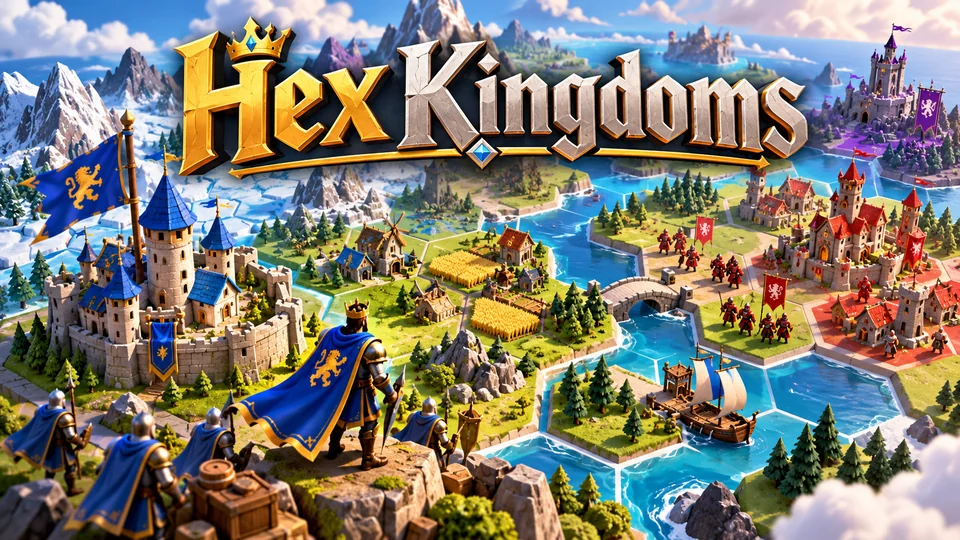
Hex Kingdoms
Expand across a compact hex map, gather resources, capture towns and outmaneuver AI kingdoms.
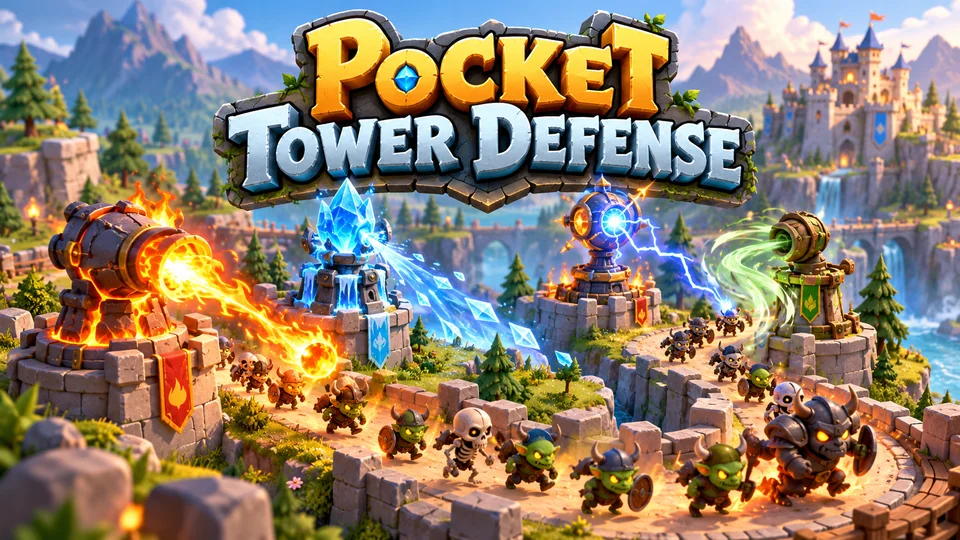
Pocket Tower Defense
Defend compact lanes with repositionable towers and elemental combinations.
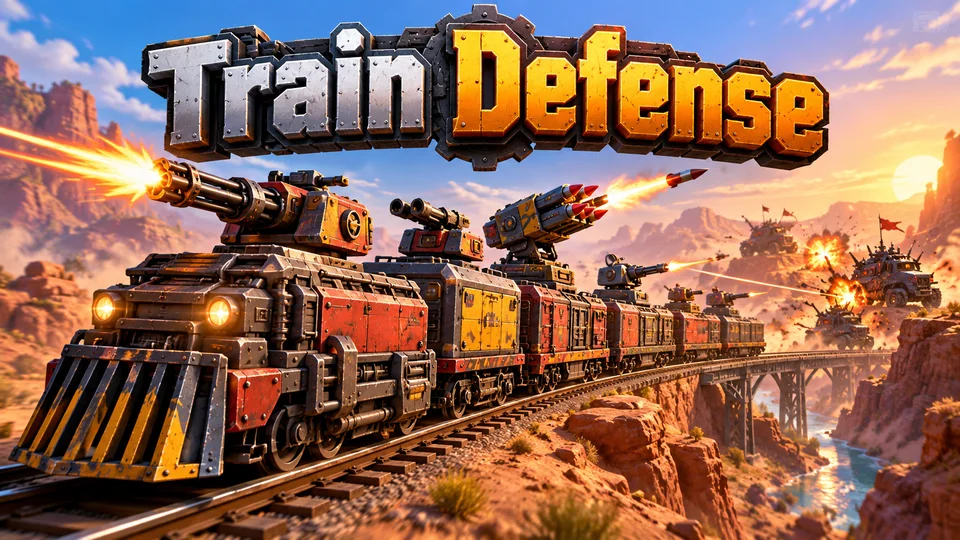
Train Defense
Mount and rearrange weapons on train carriages while crossing enemy territory.
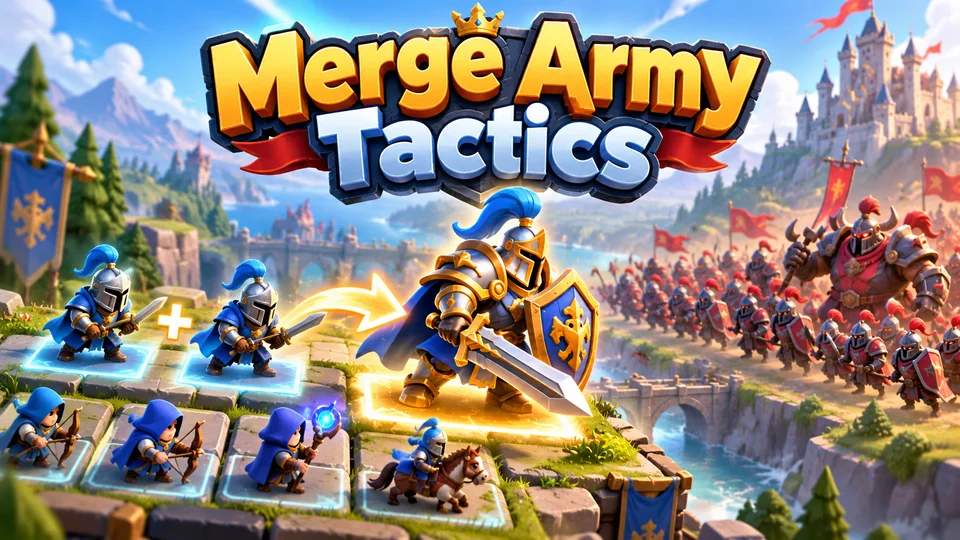
Merge Army Tactics
Merge identical units into stronger versions and arrange your formation before an automatic battle.
Browse all of our HTML5 strategy games with source code. If you're building toward an RPG instead, read how to make an HTML5 RPG; for story-led games, see HTML5 adventure games.
Frequently asked questions
What is the best HTML5 strategy game engine?
Phaser 4 is a strong default for 2D strategy: it renders square, isometric and hex tilemaps, has cameras for panning and zooming, and is MIT-licensed. PixiJS suits real-time games with thousands of units if you're happy to write the game structure yourself. Whichever you choose, the simulation, pathfinding and AI are your own code.
Do I need a server for an HTML5 strategy game?
Not for a single-player game: rules, AI and saves all run in the browser, and the game can be hosted as static files. You need a server for multiplayer, leaderboards you want to trust, and asynchronous attacks on other players' bases, because the server has to own the results.
Can HTML5 strategy games work well on phones?
Yes, if you design the controls for touch from the start: tap to select and order, drag to pan, pinch to zoom, large hit areas and an undo or confirm step for costly actions. Most strategy games play best in landscape; Merge Army Tactics is an example built for portrait instead.
How do I make a strategy AI that's fun to play against?
Score every legal action and pick the best, then tune for fun, not perfection. Add randomness on easy levels, look one move ahead on hard, and never let the AI see through fog of war. An AI that plays fair and occasionally makes human-looking mistakes feels better than one that's simply stronger.
We make and sell HTML5 game source code; links to our games are marked as ours.