HTML5 game design follows the same rules as any game design: a clear goal, readable rules, fast feedback and a sense of progress. What changes is the setting. A browser game is one link away from being closed, it might open on a small phone held upright or on a 27-inch monitor, and the player may have a gamepad, a mouse or only a thumb. The decisions below come from designing and shipping 50 browser games, and each one answers a constraint the platform puts on you.
Principles of HTML5 game design
- Playable within seconds. There is no install to build commitment, so the first screen has to be the game or one tap away from it. Our games' initial downloads are 300 to 750 KB, and games like Liquid Lab and Pocket Tower Defense skip the menu on first launch and drop the player straight into a guided first level.
- Every input is a first-class input. Touch, mouse, keyboard and gamepad all need to reach every button and every action. Designing for touch first and adding keys later produces menus a keyboard can't use.
- Every screen is a target. Decide early whether the game is portrait, landscape or both, then lay out for the smallest screen you support. We check every game at seven viewports, from a 360×640 phone to a 1920×1080 desktop.
- Works muted. Browsers restrict audio until the player interacts (MDN's autoplay guide explains the rules), and many people play in public. Every sound needs a visual twin.
- Short sessions, constant saves. A tab can be closed or put in the background at any moment. Save after every level or purchase, and pause when the page is hidden.
- Accessible by default. Never use colour as the only signal, keep text contrast at 4.5:1 or better, avoid anything that flashes more than three times a second (WCAG 2.2 covers all three), and let players pause.
- Natural breaks. Portals and ad networks place ads between levels, so give the game clear stopping points: a results screen is better for players than an interruption mid-level.
HTML5 for game designers: what the browser changes
If you come from console or mobile design, these are the differences that change design decisions, not just code:
| Browser fact | Design consequence |
|---|---|
| Players arrive from a link, often a portal or a search result | The first ten seconds decide whether they stay: show play, not logos |
| The screen size and shape are unknown | Design layouts that reflow, not a fixed 16:9 frame |
| Audio is blocked until a tap or key press | Start with a visual hook; treat music as a bonus |
| The tab can be hidden or closed at any time | Pause on hide, save often, make resuming instant |
| Download size is felt on mobile data | Prefer art that compresses or is drawn in code; load later worlds on demand |
| Players may never see a tutorial screen | Teach by doing: highlight the next tap, then get out of the way |
Canvas game UI or HTML UI?
The first HTML5 canvas game UI decision is where to draw it. You can paint menus and the HUD inside the canvas, or build them as HTML elements layered over it.
| UI drawn in the canvas | HTML and CSS over the canvas | |
|---|---|---|
| Look | Pixel-identical to the game art | Needs styling to match, but CSS is quick to theme |
| Text | Manual layout, no wrapping, hard for right-to-left languages | Wrapping, fonts and right-to-left layout for free |
| Input | You hit-test every button yourself | Buttons, focus and keyboard work out of the box |
| Accessibility | Invisible to screen readers | Real buttons with labels |
| Performance | Redrawn with the game | Best for screens that change on input, not every frame |
We use both: the game world is drawn in the canvas (Phaser or Three.js), and menus, settings and the HUD are HTML styled with CSS custom properties. Standard buttons are at least 44 px tall, and arrow keys or a gamepad's d-pad move focus between buttons by their position on screen, so one menu serves all four inputs. MDN's canvas optimization guide makes the same split for performance: a UI layer that changes only on input shouldn't be redrawn every frame.
HTML5 game UI design patterns that hold up
- HUD in the corners, play in the middle. Keep score and lives at the top edge and controls within thumb reach at the bottom on portrait phones. Respect notches with the CSS
env(safe-area-inset-*)values. - One primary action per screen. The results screen's big button is Next; Retry and Home are smaller.
- A pause button that is always reachable, mapped to Escape and the gamepad's Start button too.
- Results that explain the outcome. "Out of moves: the blue tube needed one more pour" teaches; "Level failed" doesn't.
- Confirm only what can't be undone, like resetting progress. Everything else should be one tap.
- Toasts for news, modals for decisions. A new achievement shouldn't block play.
How to create a game menu in HTML5
A menu is a state, not a page. Keep the game in one of a few states (menu, playing, paused, results) and show the matching screen. The simplest robust menu is HTML over the canvas:
<canvas id="game"></canvas>
<div id="menu" class="screen">
  <h1>Star Hopper</h1>
  <button id="play" autofocus>Play</button>
  <button id="settings">Settings</button>
</div>
autofocus puts keyboard focus on Play, so Enter starts the game, and a click, a tap and a key press all trigger the same button. Hide the div when the state becomes playing, and show a pause screen on Escape.
HTML5 canvas game menu with hover, select and shadow
If the menu has to live inside the canvas, for example because it sits on a moving 3D scene, you handle hover and selection yourself. Track the hovered button from pointer events and the selected one from the keyboard or gamepad, and draw both states the same way:
const buttons = [
  { label: "Play", x: 140, y: 160, w: 200, h: 56 },
  { label: "Settings", x: 140, y: 236, w: 200, h: 56 },
];
let hover = -1, selected = 0; // selected follows arrow keys and the d-pad

canvas.addEventListener("pointermove", (e) => {
  const r = canvas.getBoundingClientRect();
  const x = e.clientX - r.left, y = e.clientY - r.top;
  hover = buttons.findIndex((b) => x >= b.x && x <= b.x + b.w && y >= b.y && y <= b.y + b.h);
  canvas.style.cursor = hover >= 0 ? "pointer" : "default";
});

function drawButton(b, i) {
  const active = i === hover || i === selected;
  ctx.save();
  if (active) { ctx.shadowColor = "rgba(80, 200, 255, 0.8)"; ctx.shadowBlur = 18; }
  ctx.fillStyle = active ? "#2b6cb0" : "#1e3a5f";
  ctx.fillRect(b.x, b.y, b.w, b.h);
  ctx.restore(); // keep the glow off the label and the next button
  ctx.fillStyle = "#fff";
  ctx.font = "600 22px system-ui";
  ctx.textAlign = "center";
  ctx.textBaseline = "middle";
  ctx.fillText(b.label, b.x + b.w / 2, b.y + b.h / 2);
}
The coordinates assume the canvas context is scaled so one unit is one CSS pixel, as in our canvas games guide. Three details matter. Touch screens have no hover, so show the active state on pointerdown instead. ctx.save() and ctx.restore() stop the shadowBlur glow from leaking into everything drawn after it. And because MDN advises avoiding shadowBlur where possible, draw glowing buttons only on menu screens, or render each state once to an offscreen canvas and reuse it.
HTML5 game level design
Good level design in a browser game looks like good level design anywhere: introduce one idea, let the player use it safely, combine it with what they know, then test them. Our Pocket Tower Defense organises each of its six worlds exactly that way: introduce, reinforce, combine, challenge, then a boss.
What the browser adds is a strong case for levels as data. Keep each level in JSON rather than code, and designers can edit levels without touching the game, tests can check every level, and tools can generate or validate them. A map in Pocket Tower Defense is a small ASCII grid plus numbers:
{
  "id": "1-1",
  "name": "Meadow Gate",
  "grid": ["T...f....TT", "A#####...T.", ".o...#.o...", ".....#####.", ".f..o...o#.", "R........#K"],
  "lives": 20,
  "coins": 130,
  "waves": [{ "groups": [{ "enemy": "mite", "count": 5, "gap": 1 }] }]
}
Data also lets you prove things about your levels. Four of our puzzle games (Shape Factory Flow, Magnet Maze, Cannon Courier and Bounce Architect) are solver-proven: a program solves every level before release, so no player meets an impossible board. Pocket Tower Defense goes further and replays every map with bots at different skill levels to calibrate difficulty. Two more habits help:
- Teach without text. Show a hand pointing at the next tap for the first levels. It works in every language and needs no reading.
- Daily challenges from a seed. Generating the daily level from the date gives every player the same puzzle without a server, which makes it worth talking about.
HTML5 game design for kids
Children's games need everything above, more strictly:
- Big targets and simple gestures. Taps and drags, not precise swipes or double taps.
- No reading required for core play. Icons, animation and spoken or shown examples carry the instructions.
- Forgiving failure. Short retries, no lost progress, no punishing timers.
- No pressure tactics. No countdowns tied to purchases and no adverts dressed as game buttons.
- Privacy rules. If the game is directed at children in the US, the FTC's COPPA rule limits what data you, your analytics and your ad partners may collect. Get advice before you add ads or accounts.
Our HTML5 educational games guide covers learning games, classroom use and e-learning standards.
HTML5 game design templates
Starting from a finished game skips the solved problems: menus, settings, saves, input mapping, localisation and screen scaling. Each of our 50 games ships those systems with full TypeScript source and gameplay tuning in JSON data files, so you can study how a production game handles them or reskin one for your own project. These three show the range, from a cozy portrait puzzle to a landscape strategy game and a tycoon:

Yarn Bloom
Pull colored yarn strands from tangled objects and route them into matching spools to reveal knitted art.
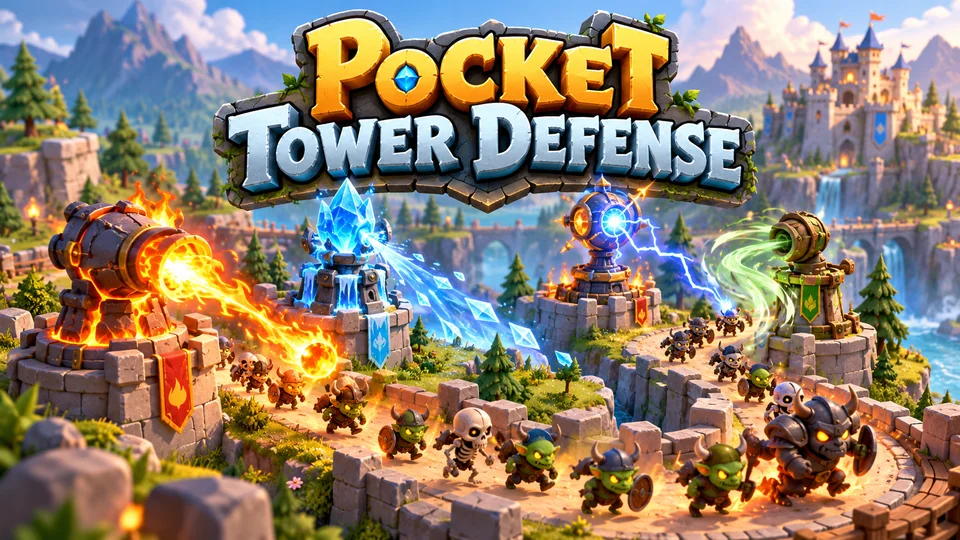
Pocket Tower Defense
Defend compact lanes with repositionable towers and elemental combinations.
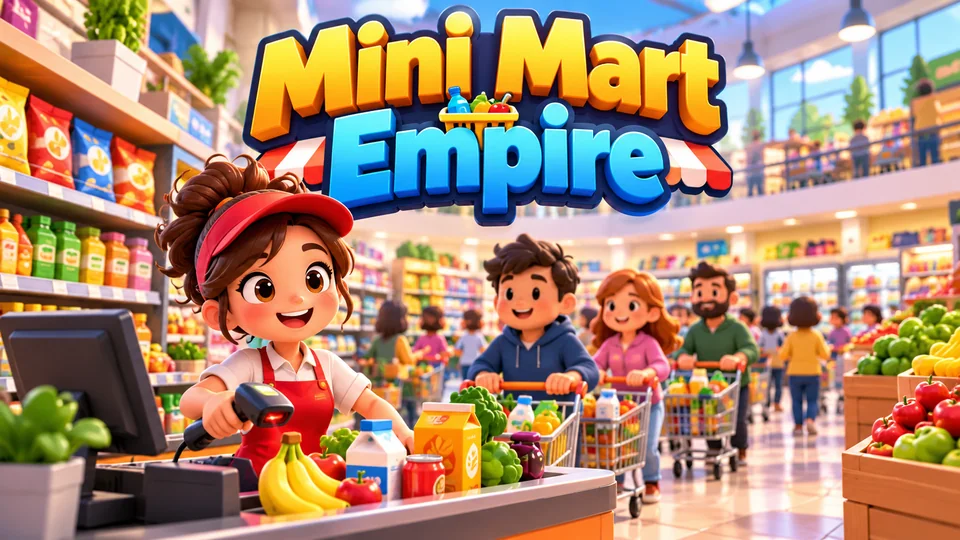
Mini Mart Empire
Start with one shelf and checkout, restock products, serve shoppers and expand into a busy supermarket.
You can browse all our HTML5 games with source code by genre, engine and orientation.
An HTML5 game design tutorial in five steps
- Write the core verb in one sentence. "Pour liquids until each tube holds one colour" is a design; "a relaxing puzzle game" is not.
- Prototype it in one HTML file in an afternoon, with rectangles for art. Our free HTML game code gives you working starting points.
- Watch people play without helping. Note every moment they hesitate; that is your tutorial and UI to-do list.
- Add progression: levels that introduce one idea each, a star or score target, and a reason to return.
- Polish feedback and test on a phone: sounds with visual twins, particles on success, and the smallest screen you support.
The full build process, engines included, is in how to make an HTML5 game.
HTML5 game design checklist
- The first screen is play, or one tap from it.
- Every action works with touch, mouse, keyboard and gamepad.
- Layout checked at a small phone and a large desktop, in each supported orientation.
- The game is fully playable muted.
- Progress saves after every level; the game pauses when hidden.
- Colour is never the only signal; text contrast is at least 4.5:1.
- Levels live in data and are validated by a test or a solver.
- Results screens explain why the player won or lost.
- Clear breaks between levels for ads or rest.
Frequently asked questions
Is there an HTML5 game design PDF?
There's no PDF of this guide. The checklist above is short enough to print, and our list of HTML5 game development books covers longer reads on design and engines.
Should a game menu be drawn in the canvas or in HTML?
Use HTML for menus, settings and anything with text, because you get focus, keyboard support, text wrapping and screen reader labels for free. Draw UI in the canvas only when it must move with the game world, such as health bars above characters.
What screen size should I design an HTML5 game for?
Pick a reference layout for your main orientation, scale it to fit, and test at both extremes. We check every game at a 360×640 phone and a 1920×1080 desktop, plus five sizes in between, including a tablet and a 1366×768 laptop. Keep important UI away from the edges for phones with notches.
Is JavaScript good enough for serious game design?
Yes. Design depends on rules, feedback and content, not language, and JavaScript or TypeScript with an engine like Phaser or Three.js handles anything from puzzle games to 3D racers in a browser. The limits you will meet are download size and older phones, both of which are design constraints you can plan for.
We make and sell HTML5 game source code; links to our games are marked as ours.