An HTML5 isometric game engine does three jobs: it draws a grid of diamond-shaped tiles that look like a world seen from above at an angle, it converts between grid positions and screen pixels so clicks land on the right tile, and it sorts sprites so a character walking behind a shelf is hidden by it. Phaser, Excalibur and melonJS do this from maps made in the Tiled editor, and you can write the same math yourself in about a dozen lines. We built three isometric tycoon games on Phaser 4 (Mini Mart Empire, Robot Factory and Theme Park Manager), and this guide shows the engines, the math and the lessons from those games. Engine facts were checked in October 2026.
It's part of our series on HTML5 canvas games, which covers the canvas and game loop underneath.
What makes a game isometric
An isometric view shows the ground as a grid of diamonds and every object from the same angle, with no perspective: things far away are as big as things nearby. That makes it ideal for builders, tycoons, strategy and tactics games, where the player needs to see a whole area and judge distances.
Almost every 2D "isometric" game actually uses a 2:1 diamond: each tile is twice as wide as it is tall, for example 64 × 32 pixels. Strictly that's a dimetric projection, not true isometric, but it's the convention for a good reason: lines that move 2 pixels across for every 1 pixel down stay clean in pixel art. Theme Park Manager and Robot Factory use 64 × 32 tiles, and Mini Mart Empire uses 128 × 64.
HTML5 isometric game engines in 2026
All of these are free and open source:
| Engine | Isometric support | Map editor | License | Best for |
|---|---|---|---|---|
| Phaser 4 | Tilemaps in orthogonal, isometric, hexagonal and staggered orientations; or place sprites and set depth yourself | Tiled JSON | MIT | Full games: input, audio, scenes, cameras and physics in one package |
| Excalibur | A dedicated IsometricMap class with worldToTile and a component that sorts moving entities | Tiled plugin | BSD 2-clause | TypeScript projects that want isometric handled for them |
| melonJS | Isometric, hexagonal and staggered Tiled maps built in | Tiled | MIT | Tile-based games; note that non-orthogonal layers draw on the CPU |
| PixiJS | None built in; a fast sprite renderer | Any | MIT | Teams who want to write their own projection and sorting |
| Three.js | True 3D with an orthographic camera | 3D modelling tools | MIT | 3D isometric games with lighting and camera rotation |
Tiled is the free map editor most of these read. It supports isometric and staggered isometric maps, tile layers, object layers and custom properties, and exports JSON.
Which is the best isometric HTML5 game engine?
For most games, Phaser: you get isometric tilemaps plus everything else a game needs, and huge community knowledge. Pick Excalibur if you want a TypeScript engine whose isometric map also gives you tile lookup and entity sorting out of the box. Pick Three.js if you want a 3D isometric look that you can rotate, light and zoom without drawing new art.
We used Phaser for all three of our isometric games, but not its tilemaps. Our ground is painted once into a single texture, and every building, shelf, ride and character is a sprite with a depth we compute. Tilemaps shine when the world is a fixed map made in an editor; when players build the world tile by tile, as in a tycoon game, managing sprites and depth yourself is simpler.
Isometric tutorial: projection, picking and depth
The whole technique is four small pieces of math. The code below works on a plain canvas and translates directly to Phaser, PixiJS or any other 2D renderer.
1. Grid to screen
Tile (0, 0) has its top corner at the origin. Moving one tile along x goes right and down; one tile along y goes left and down:
const TW = 64, TH = 32; // tile width and height in pixels (2:1)

// Grid coordinates (tile corners are whole numbers) to screen pixels. z lifts things up.
function toScreen(tx, ty, z = 0) {
  return { x: (tx - ty) * (TW / 2), y: (tx + ty) * (TH / 2) - z };
}
2. Draw the map
Each tile's diamond joins its four corners. Drawing rows in order of increasing x + y paints far tiles first, so near ones overlap them correctly:
function drawTile(ctx, ox, oy, tx, ty, color) {
  const top = toScreen(tx, ty), right = toScreen(tx + 1, ty);
  const bottom = toScreen(tx + 1, ty + 1), left = toScreen(tx, ty + 1);
  ctx.beginPath();
  ctx.moveTo(ox + top.x, oy + top.y);
  ctx.lineTo(ox + right.x, oy + right.y);
  ctx.lineTo(ox + bottom.x, oy + bottom.y);
  ctx.lineTo(ox + left.x, oy + left.y);
  ctx.closePath();
  ctx.fillStyle = color;
  ctx.fill();
}

for (let ty = 0; ty < map.length; ty++)
  for (let tx = 0; tx < map[ty].length; tx++) drawTile(ctx, originX, originY, tx, ty, map[ty][tx]);
originX and originY place the map on screen; set them so the map is centred, and change them to pan the camera.
3. Screen to grid: which tile did the player tap?
Invert the projection. Subtract the camera origin (and divide by the zoom, if you have one), then:
function toGrid(sx, sy) {
  const a = sx / (TW / 2), b = sy / (TH / 2);
  return { x: (a + b) / 2, y: (b - a) / 2 };
}

canvas.addEventListener("pointerup", (e) => {
  const g = toGrid(e.offsetX - originX, e.offsetY - originY);
  const tx = Math.floor(g.x), ty = Math.floor(g.y);
  if (map[ty]?.[tx] !== undefined) selectTile(tx, ty);
});
This is almost line for line what our games use: Theme Park Manager converts a tap from CSS pixels to world pixels to tile coordinates and floors the result. Excalibur's worldToTile does the same job for you.
4. Depth sorting with the painter's order
Anything standing on the grid is drawn in order of x + y: larger sums are nearer the viewer and draw later. In Phaser that's one call to setDepth. This is the helper from Mini Mart Empire:
/** Painter's-order depth for something standing at sim position (x, y). */
export function depthAt(x: number, y: number, sub = 0): number {
  return (x + y) * 100 + sub;
}
Three rules keep sorting from breaking:
- Sort by the feet, not the sprite. Use the point where an object touches the ground, never the top of its image, which can be far above.
- Use a small bias for things that share a spot. In Theme Park Manager a guest, the balloon they hold and a hopping entertainer at the same position get biases of 0.3, 0.35 and 0.4, so the balloon always draws over its owner.
- Big objects need a deliberate anchor. A ride covering several tiles takes its depth from its footprint, and Theme Park Manager uses the machine's centre so guests standing in a queue in front of the ride draw in front of it. Very large or oddly shaped objects may need splitting into slices.
5. Height and stacking
The z in toScreen lifts a point straight up the screen. Use it for multi-storey buildings, items stacked on a shelf or a character jumping. A box in isometric view is three visible faces (top, left and right), and shading the left and right faces slightly differently is what makes a flat drawing read as solid. Our games draw shelves, machines and rides from such boxes with Canvas 2D code, rather than loading image files.
Making isometric games fast and touch-friendly
Isometric scenes hold a lot of sprites. These habits keep them smooth on phones:
- Bake the ground. Theme Park Manager paints the whole ground layer into one canvas texture and repaints it only when the terrain changes. Hundreds of grass and path tiles then cost one sprite per frame.
- Cull what's off screen. Phaser's tilemap layers skip tiles outside the camera. If you draw tiles yourself, compute the visible tile range from the four screen corners with
toGrid. - Batch your art. Sprites drawn from one texture atlas render in fewer GPU batches; our guide to sprites and animation shows how.
- Separate tap from drag. A finger always moves a little. Treat a touch as a tap only if it moved less than about 10 pixels, otherwise pan the camera.
- Support pinch zoom. With two fingers down, compare their distance to the distance at the start of the gesture and scale the camera zoom by the ratio. Our games switch from building to pinch-zooming as soon as a second pointer lands.
There's more on profiling in HTML5 game performance. If you need collisions between moving objects on the grid, see HTML5 game physics; most isometric games only need tile occupancy checks.
Our isometric HTML5 games
All three are management games in our simulation category, built on Phaser 4.2.1 with touch, mouse, keyboard and gamepad support:
- Mini Mart Empire: start with one shelf and a checkout, restock products, serve shoppers and grow into a busy supermarket. Shoppers are built from tinted body parts, so many different looks come from one set of art.
- Robot Factory: place and upgrade machines that build increasingly advanced robots along production lines, with idle progress while you're away.
- Theme Park Manager: build rides, food stalls and paths while balancing guest happiness, queues and capacity, with a crowd simulation driving every guest.
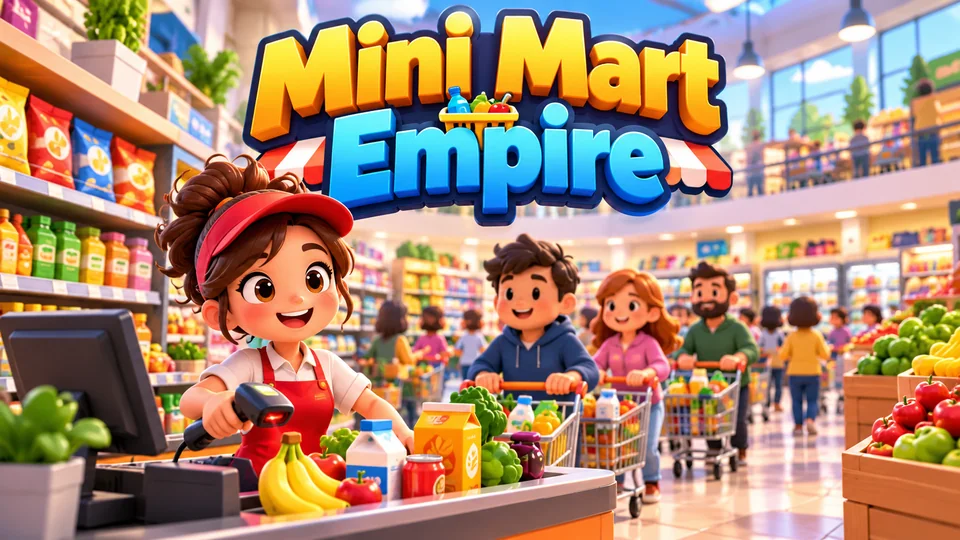
Mini Mart Empire
Start with one shelf and checkout, restock products, serve shoppers and expand into a busy supermarket.
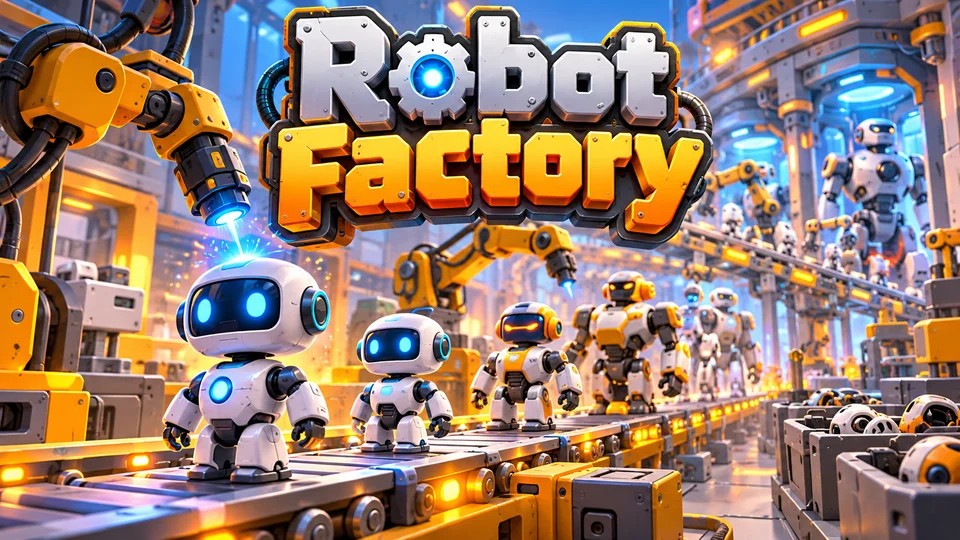
Robot Factory
Place and upgrade machines that manufacture increasingly advanced robots along production lines.
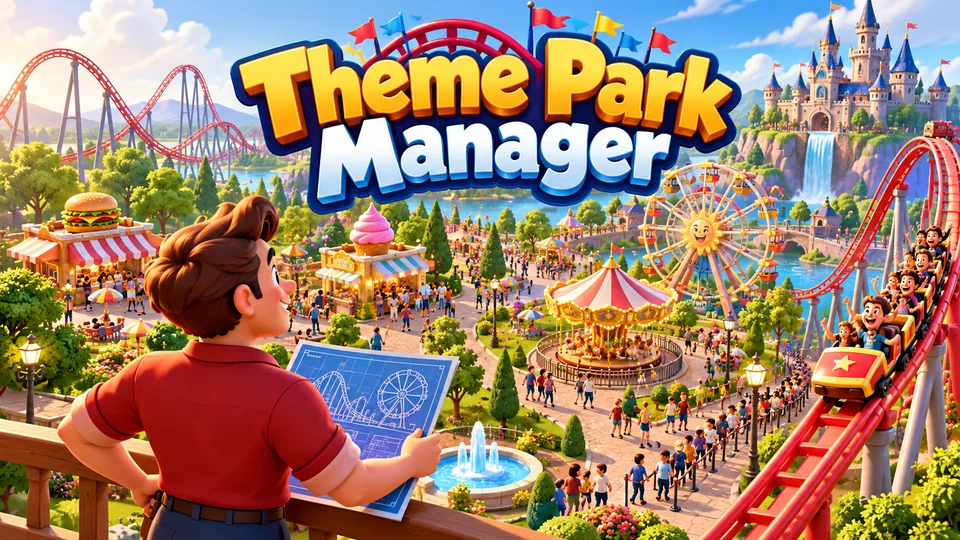
Theme Park Manager
Build rides, food stalls and pathways while balancing guest happiness, queues and capacity.
HTML5 3D isometric games
You can also render an isometric game in real 3D. Put an orthographic camera (no perspective) on a diagonal and every cube shows the classic three faces:
const aspect = window.innerWidth / window.innerHeight, size = 10;
const camera = new THREE.OrthographicCamera(-size * aspect, size * aspect, size, -size, 0.1, 1000);
camera.position.set(20, 20, 20); // equal x, y and z: the true isometric angle
camera.lookAt(0, 0, 0);
Equal x, y and z put the camera about 35.3 degrees above the ground, which is true isometric. To match 2:1 pixel art instead, lower the camera to about 30 degrees. The 3D route gives you real lighting, shadows and a camera you can rotate in 90-degree steps, at the cost of modelling your art in 3D. Our guide to 3D HTML5 games covers Three.js setup and phone performance.
Frequently asked questions
What is the best free HTML5 isometric game engine?
Phaser is the safest choice for a complete game: it's free under the MIT license, loads isometric maps from Tiled and includes everything else a game needs. Excalibur (BSD 2-clause) has the most complete dedicated isometric class, and melonJS (MIT) also reads isometric Tiled maps.
Do I need Tiled to make an isometric HTML5 game?
No. Tiled is useful when levels are designed by hand ahead of time. When players build the world, as in tycoon and city games, store the grid in your own data and position sprites with the projection math above.
Why are isometric tiles 2:1 instead of true isometric?
A 2:1 tile gives clean pixel-art edges, because each diagonal line steps exactly 2 pixels across for 1 pixel down. True isometric angles produce uneven steps. The look is nearly identical, so games use 2:1.
How do I make isometric sprites?
Three common ways: draw pixel art on a 2:1 grid, render 3D models from a fixed isometric camera into sprite sheets, or draw the shapes with code. Our games draw boxes, shelves and rides with Canvas 2D code when they run, so they ship no image files for them, which keeps downloads small.
We make and sell HTML5 game source code; links to our games are marked as ours.