2048 is a sliding puzzle on a 4 × 4 grid: every move pushes all tiles to one side, equal tiles merge into their sum, and a new 2 or 4 appears. The rules take ten seconds to learn, which makes the HTML5 game code for 2048 a great lesson in grid logic. This page gives you a complete version, then explains the one tricky part (merging each pair exactly once) and how to animate tiles without changing the rules.
How to run it
No server, build step or library is needed:
- Press Copy code above (or Download .html).
- Paste it into a new file called
2048.html. - Double-click the file. Press an arrow key or swipe to start.
Use the arrow keys or WASD on a keyboard, or swipe on a phone or with the mouse. R starts a new game at any time. You can also paste the code into the HTML game code runner and change a setting, such as SIZE for a 5 × 5 board.
How the code works
The game is one <canvas> and one script, drawn with the Canvas 2D API. It has five parts: settings, state, the move function, drawing with animation, and input. Unlike an action game, nothing changes on its own: the board only changes when the player moves, and the animation loop just shows the result.
1. Settings and colours
The settings at the top control the board size, the goal tile and the length of each animation. The tile colours are a lookup table from value to a background and text colour, so restyling the game means editing one object.
const SIZE = 4;                          // 4 × 4 board
const GOAL = 2048;
const SLIDE = 0.1;                       // seconds for tiles to slide
const POP = 0.14;                        // seconds for merged tiles to pulse and new tiles to grow
const HUD = 76;                          // room above the board for the title and scores
2. State: a grid of tile objects
Many 2048 tutorials store the board as a grid of plain numbers. That works for the rules, but then there's no way to know where a tile came from, so tiles can't slide smoothly. Here, each cell holds a small object (or null for empty) with its value, its current row and column, and where it was before the last move.
// A new 2 (or, one time in ten, a 4) on a random empty cell.
function addRandomTile() {
  const empty = [];
  for (let r = 0; r < SIZE; r++) for (let c = 0; c < SIZE; c++) if (!grid[r][c]) empty.push([r, c]);
  if (!empty.length) return;
  const [r, c] = empty[Math.floor(Math.random() * empty.length)];
  grid[r][c] = { value: Math.random() < 0.9 ? 2 : 4, r, c, fromR: r, fromC: c, kind: "new" };
}
Listing the empty cells first and then picking one guarantees the new tile always lands on a free cell, with no retry loop. The game is in one of four states: ready (start screen), playing, won (a pause to celebrate reaching 2048) and over.
3. The move: slide, then merge each pair once
Every move is a direction (dr, dc): (0, -1) is left, (1, 0) is down, and so on. move() visits every tile, slides it through empty cells as far as it can go, then looks at the next cell along. If that cell holds a tile with the same value that hasn't merged yet this move, the two become one tile worth double.
  const order = [...Array(SIZE).keys()], back = [...order].reverse();   // [0, 1, 2, 3] and [3, 2, 1, 0]
  const rows = dr > 0 ? back : order, cols = dc > 0 ? back : order;
  let moved = false, madeGoal = false;
  for (const r of rows) for (const c of cols) {
    const t = grid[r][c];
    if (!t) continue;
    let nr = r, nc = c;
    while (inside(nr + dr, nc + dc) && !grid[nr + dr][nc + dc]) { nr += dr; nc += dc; }   // slide into empty cells
    const next = inside(nr + dr, nc + dc) ? grid[nr + dr][nc + dc] : null;
    grid[r][c] = null;
    if (next && next.value === t.value && !next.merged) {
      // Merge: both tiles slide into next's cell (as ghosts), and one doubled tile replaces them.
      ghosts.push({ value: t.value, fromR: r, fromC: c, r: next.r, c: next.c }, next);
      grid[next.r][next.c] = { value: t.value * 2, r: next.r, c: next.c, fromR: next.r, fromC: next.c, kind: "merged", merged: true };
      score += t.value * 2;
      if (t.value * 2 === GOAL && !won) madeGoal = true;
      moved = true;
    } else {
      grid[nr][nc] = t;
      t.r = nr; t.c = nc;
      if (nr !== r || nc !== c) moved = true;
    }
  }
The score goes up by the value of every new tile, which is the usual 2048 scoring rule.
4. Why the visiting order and the merged flag matter
Two small details make the rules come out right, and they're where most first attempts go wrong.
Order. When moving left, the code visits columns 0, 1, 2, 3; when moving right, 3, 2, 1, 0. The tile nearest the wall moves first, so every later tile slides up against a tile that's already in its final place. Visit them the other way round and tiles stop early, leaving gaps.
Merge once. The new tile from a merge carries merged: true, and a merged tile can't merge again in the same move. Without that flag, a row of 2 2 4 moved left would become 8 (2 + 2 = 4, then 4 + 4 = 8) instead of the correct 4 4. With it, 2 2 2 2 becomes 4 4 and 4 _ 4 8 becomes 8 8, as players expect.
If no tile moved, move() returns early: pressing towards a wall that's already packed doesn't add a new tile. Otherwise a new 2 or 4 appears, the best score updates, and the game checks for a win or a loss.
5. Winning and losing
Reaching 2048 for the first time switches to the won state, which shows a message and waits; a tap or Space lets you keep going for 4096 and beyond. The game is lost when the board is full and no two neighbours match, which canMove() checks by comparing each tile with the one to its right and the one below it:
function canMove() {
  for (let r = 0; r < SIZE; r++) for (let c = 0; c < SIZE; c++) {
    const t = grid[r][c];
    if (!t) return true;
    if (c + 1 < SIZE && grid[r][c + 1] && grid[r][c + 1].value === t.value) return true;
    if (r + 1 < SIZE && grid[r + 1][c] && grid[r + 1][c].value === t.value) return true;
  }
  return false;
}
Checking right and down from every cell covers every neighbouring pair exactly once, so there's no need to check left and up as well.
6. Animation that never touches the rules
The grid always holds the final result of the last move. Animation is purely a drawing concern: anim counts the seconds since the last move, and draw() uses it to place each tile somewhere between fromR, fromC and r, c. Tiles that merged away are kept for one move in the ghosts list, so you can see both halves slide together before the doubled tile pops.
  const p = Math.min(1, anim / SLIDE), ease = 1 - (1 - p) * (1 - p);
  const q = Math.min(1, Math.max(0, (anim - SLIDE) / POP));
  const lerp = (a, b) => a + (b - a) * ease;
  if (p < 1) for (const g of ghosts) drawTile(g.value, lerp(g.fromR, g.r), lerp(g.fromC, g.c), 1);
  for (const row of grid) for (const t of row) {
    if (!t) continue;
    if (t.kind === "slide") drawTile(t.value, lerp(t.fromR, t.r), lerp(t.fromC, t.c), 1);
    else if (p >= 1 && t.kind === "merged") drawTile(t.value, t.r, t.c, 1 + 0.15 * Math.sin(Math.PI * q));
    else if (p >= 1 && t.kind === "new") drawTile(t.value, t.r, t.c, 0.3 + 0.7 * q);
  }
The slide takes 0.1 seconds with an ease-out curve, then merged tiles pulse to 115% and new tiles grow in over 0.14 seconds. Because the rules never wait for the animation, fast players aren't slowed down: a new move simply starts every tile from where the grid says it is. requestAnimationFrame drives the loop, and anim advances in real seconds, so the animation lasts the same time on every screen.
7. One input function for everything
Arrow keys, WASD, swipes, taps, Space and Enter all call input(dr, dc), where (0, 0) means "no direction". That one function decides what an input means in each state: start the game, make a move, keep going after 2048, or start again after a loss. It also ignores input for 0.6 seconds after a message appears, so a quick run of key presses can't skip the game over or win screen before you've read it.
Make it work on phones
Swipes are the natural way to play 2048 on a phone, and pointer events let the same code handle a finger, a pen or a mouse drag. The code records where the pointer went down and compares it with where it came up:
let swipe = null;
canvas.addEventListener("pointerdown", (e) => { swipe = { x: e.clientX, y: e.clientY }; });
canvas.addEventListener("pointerup", (e) => {
  if (!swipe) return;
  const dx = e.clientX - swipe.x, dy = e.clientY - swipe.y;
  swipe = null;
  if (Math.max(Math.abs(dx), Math.abs(dy)) < 30) input(0, 0);          // a tap
  else if (Math.abs(dx) > Math.abs(dy)) input(0, Math.sign(dx));       // a sideways swipe
  else input(Math.sign(dy), 0);                                        // an up or down swipe
});
A movement under 30 pixels counts as a tap; anything longer is a swipe in its strongest direction, so a slightly diagonal swipe still does what the player meant. touch-action: none in the CSS stops the browser from scrolling the page or pulling to refresh while you swipe. The board is the largest square that fits under the score bar, capped at 520 pixels, and the canvas buffer is scaled by the device pixel ratio for sharp numbers. On a 390 × 640 phone the board is 366 pixels wide. For more on touch controls, see our guide to HTML5 mobile game development.
Ideas to extend it
- Add an undo button: copy the tile values and score before each move and restore them on Z.
- Try a 3 × 3 or 5 × 5 board by changing
SIZE, and adjustGOALto match. - Add a "moves" counter and a timer for speed runs.
- Play a soft tone on each merge, pitched by the tile value, with the Web Audio API.
- Replace the numbers with a themed sequence: planets, gems or dishes, as many merge games do.
- Add obstacles: a stone tile that never moves or merges.
- Write a simple hint button that tries all four moves and suggests the one that keeps the largest tile in a corner.
From prototype to a game you can sell
This file is a solid base for learning grid logic, a class project or a quick jam game. A merge game that players pay for, or that a portal will accept, needs much more around the same rules:
| This 2048 file | A production HTML5 game | |
|---|---|---|
| Content | One endless board | Levels, goals, a theme, collections, daily challenges |
| Art and sound | Coloured squares with numbers, no audio | Original art, animation, music and effects |
| Saves | Score and board lost on reload | Progress, unlocks and settings saved on the device |
| Input | Keyboard, mouse and swipe | Touch, mouse, keyboard and gamepad, tested on each |
| Platforms | Desktop and phone browsers | Portal SDK hooks, ads, languages, app wrappers |
| Quality | Tested by hand and in a sandbox | Unit tests and cross-browser end-to-end tests |
| Code | One script | A typed project with tuning in data files and docs |
| Licence | MIT, do anything | A commercial licence that covers your use |
That's the gap our merge games fill. Gem Forge is the closest to this page: a 2048-style sliding merge game, built on Phaser 4.2.1, where minerals merge into crystals, gemstones and artifacts that change how the board behaves, with campaign, endless and daily modes. Pocket Planet Merge and Merge Café Story take the merge idea in other directions: dropping planets and running a café. Each ships as a TypeScript project with tuning in JSON data files and a README that covers install, build, test and deploy.
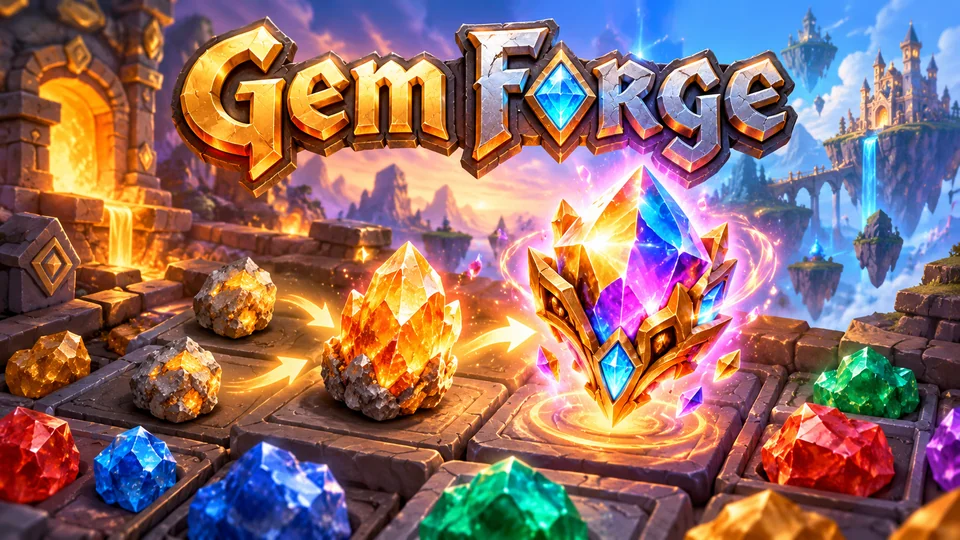
Gem Forge
Merge minerals into crystals, gemstones and magical artifacts that alter board behavior.
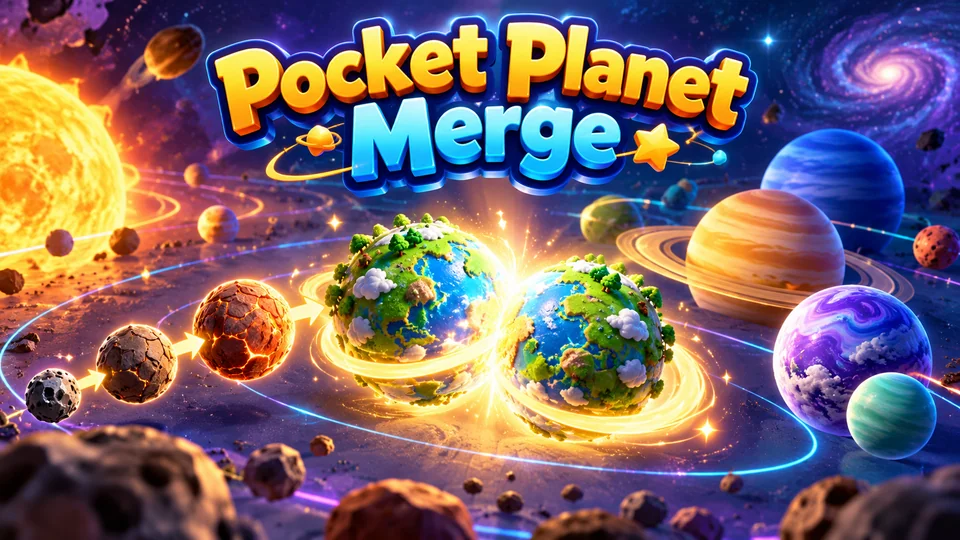
Pocket Planet Merge
Merge celestial bodies from rocks to exotic planets and build a living miniature solar system.
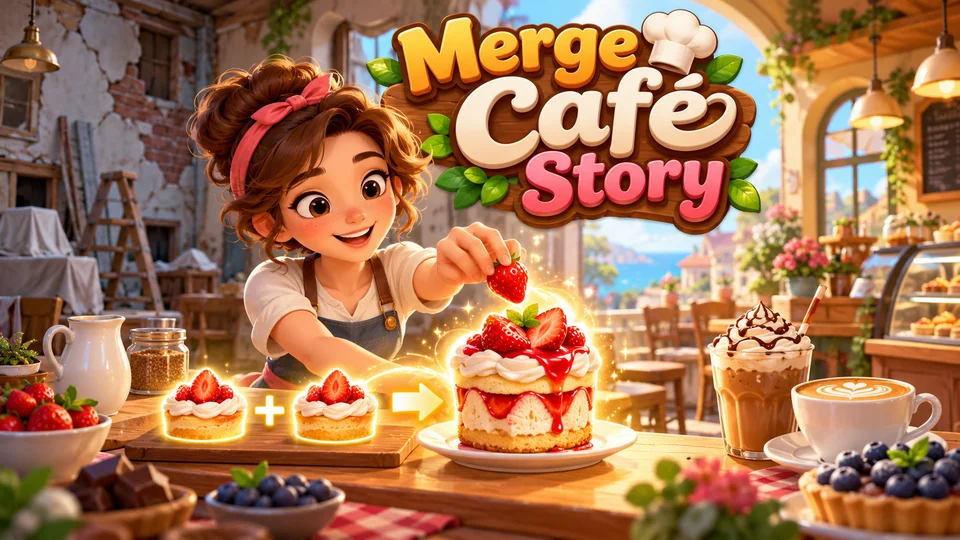
Merge Café Story
Merge ingredients into drinks and desserts, fulfill customer orders and restore a rundown café.
You can also browse all our HTML5 games with source code, or go back to the free HTML game code collection for more tutorials like this one.
The complete code
One file, no libraries. Save it as 2048.html and open it in any browser. Free to use under the MIT license: copy it, change it, ship it.
<!doctype html>
<!-- SPDX-License-Identifier: MIT -->
<!-- 2048: a sliding-tile number puzzle in one HTML5 canvas file. Free to use, change and ship (MIT license). -->
<html lang="en">
<head>
<meta charset="utf-8">
<meta name="viewport" content="width=device-width, initial-scale=1">
<title>2048 (HTML5 canvas sliding-tile puzzle)</title>
<style>
  html, body { margin: 0; height: 100%; background: #0d1220; overflow: hidden; touch-action: none; }
  canvas { display: block; }
</style>
</head>
<body>
<canvas id="game"></canvas>
<script>
// ----- Settings -----
const SIZE = 4;                          // 4 × 4 board
const GOAL = 2048;
const SLIDE = 0.1;                       // seconds for tiles to slide
const POP = 0.14;                        // seconds for merged tiles to pulse and new tiles to grow
const HUD = 76;                          // room above the board for the title and scores
// Tile colours [background, text] by value. Anything above 2048 uses BIG.
const TILE = {
  2: ["#36466f", "#e8edff"], 4: ["#3f5f93", "#e8edff"], 8: ["#1c7a8c", "#ffffff"], 16: ["#14a085", "#ffffff"],
  32: ["#3fb950", "#ffffff"], 64: ["#a3d139", "#17220a"], 128: ["#f4c430", "#2a1f00"], 256: ["#f5a524", "#2a1600"],
  512: ["#ee7b30", "#ffffff"], 1024: ["#e5484d", "#ffffff"], 2048: ["#d6409f", "#ffffff"],
};
const BIG = ["#8e4ec6", "#ffffff"];
const COLORS = { bg: "#0d1220", board: "#18213a", empty: "#212c48", text: "#e8edff", dim: "#8c97b8", box: "#18213a" };

const canvas = document.getElementById("game");
const ctx = canvas.getContext("2d");
let boardX = 0, boardY = 0, boardSize = 400;

// ----- Sizing: the largest square board that fits under the score bar, sharp on high-DPI -----
function resize() {
  const dpr = window.devicePixelRatio || 1;
  const W = window.innerWidth, H = window.innerHeight;
  canvas.style.width = W + "px";
  canvas.style.height = H + "px";
  canvas.width = Math.round(W * dpr);
  canvas.height = Math.round(H * dpr);
  ctx.setTransform(dpr, 0, 0, dpr, 0, 0);
  boardSize = Math.max(200, Math.floor(Math.min(W - 24, H - 24 - HUD, 520)));
  boardX = Math.floor((W - boardSize) / 2);
  boardY = Math.floor((H - boardSize - HUD) / 2) + HUD;
}

// ----- Game state -----
// grid[r][c] holds a tile object or null. A tile remembers where it was before the last move
// (fromR, fromC) so drawing can slide it; the grid itself is always the true, final position.
let grid, ghosts, score, best = 0, state, won, anim = 0, shownAt = 0, last = 0;

function reset() {
  grid = Array.from({ length: SIZE }, () => Array(SIZE).fill(null));
  ghosts = [];
  score = 0;
  won = false;
  addRandomTile();
  addRandomTile();
  anim = SLIDE;                          // skip the slide; just grow the two starting tiles
  state = "ready";                       // ready → playing → over (with a "won" pause at 2048)
}

// A new 2 (or, one time in ten, a 4) on a random empty cell.
function addRandomTile() {
  const empty = [];
  for (let r = 0; r < SIZE; r++) for (let c = 0; c < SIZE; c++) if (!grid[r][c]) empty.push([r, c]);
  if (!empty.length) return;
  const [r, c] = empty[Math.floor(Math.random() * empty.length)];
  grid[r][c] = { value: Math.random() < 0.9 ? 2 : 4, r, c, fromR: r, fromC: c, kind: "new" };
}

const inside = (r, c) => r >= 0 && r < SIZE && c >= 0 && c < SIZE;

// Slide every tile towards (dr, dc), merging equal pairs once per move. Returns true if anything moved.
function move(dr, dc) {
  // Start this move from where every tile is now, even if the last animation hasn't finished.
  ghosts = [];
  for (const row of grid) for (const t of row) if (t) { t.fromR = t.r; t.fromC = t.c; t.kind = "slide"; t.merged = false; }

  // Visit the tiles nearest the far wall first, so each tile stops against one that has already moved.
  const order = [...Array(SIZE).keys()], back = [...order].reverse();   // [0, 1, 2, 3] and [3, 2, 1, 0]
  const rows = dr > 0 ? back : order, cols = dc > 0 ? back : order;
  let moved = false, madeGoal = false;
  for (const r of rows) for (const c of cols) {
    const t = grid[r][c];
    if (!t) continue;
    let nr = r, nc = c;
    while (inside(nr + dr, nc + dc) && !grid[nr + dr][nc + dc]) { nr += dr; nc += dc; }   // slide into empty cells
    const next = inside(nr + dr, nc + dc) ? grid[nr + dr][nc + dc] : null;
    grid[r][c] = null;
    if (next && next.value === t.value && !next.merged) {
      // Merge: both tiles slide into next's cell (as ghosts), and one doubled tile replaces them.
      ghosts.push({ value: t.value, fromR: r, fromC: c, r: next.r, c: next.c }, next);
      grid[next.r][next.c] = { value: t.value * 2, r: next.r, c: next.c, fromR: next.r, fromC: next.c, kind: "merged", merged: true };
      score += t.value * 2;
      if (t.value * 2 === GOAL && !won) madeGoal = true;
      moved = true;
    } else {
      grid[nr][nc] = t;
      t.r = nr; t.c = nc;
      if (nr !== r || nc !== c) moved = true;
    }
  }
  if (!moved) return false;
  addRandomTile();
  anim = 0;
  best = Math.max(best, score);
  if (madeGoal) { won = true; state = "won"; shownAt = performance.now(); }
  else if (!canMove()) { state = "over"; shownAt = performance.now(); }
  return true;
}

// The game is over when the board is full and no two neighbours match.
function canMove() {
  for (let r = 0; r < SIZE; r++) for (let c = 0; c < SIZE; c++) {
    const t = grid[r][c];
    if (!t) return true;
    if (c + 1 < SIZE && grid[r][c + 1] && grid[r][c + 1].value === t.value) return true;
    if (r + 1 < SIZE && grid[r + 1][c] && grid[r + 1][c].value === t.value) return true;
  }
  return false;
}

// Every key, swipe and tap comes through here. (0, 0) means "no direction": a tap, Space or Enter.
function input(dr, dc) {
  const recent = performance.now() - shownAt < 600;   // ignore presses right after a message appears
  if (state === "over") {
    if (dr || dc || recent) return;
    reset();
    state = "playing";
    return;
  }
  if (state === "won") {
    if (recent) return;
    state = canMove() ? "playing" : "over";            // keep going past 2048
    return;
  }
  if (state === "ready") state = "playing";
  if (dr || dc) move(dr, dc);
}

// ----- Drawing -----
function roundRect(x, y, w, h, r, color) {
  ctx.fillStyle = color;
  ctx.beginPath();
  ctx.moveTo(x + r, y);
  ctx.arcTo(x + w, y, x + w, y + h, r);
  ctx.arcTo(x + w, y + h, x, y + h, r);
  ctx.arcTo(x, y + h, x, y, r);
  ctx.arcTo(x, y, x + w, y, r);
  ctx.closePath();
  ctx.fill();
}

function text(str, x, y, size, color, weight = 700) {
  ctx.font = `${weight} ${Math.round(size)}px system-ui, sans-serif`;
  ctx.fillStyle = color;
  ctx.fillText(str, x, y);
}

// Draws one tile at a fractional grid position (row, col), scaled around its centre.
function drawTile(value, row, col, scale) {
  const gap = boardSize * 0.03, size = (boardSize - gap * (SIZE + 1)) / SIZE;
  const x = boardX + gap + col * (size + gap), y = boardY + gap + row * (size + gap);
  const s = size * scale, [bg, fg] = TILE[value] || BIG;
  roundRect(x + (size - s) / 2, y + (size - s) / 2, s, s, s * 0.1, bg);
  const digits = String(value).length;
  text(String(value), x + size / 2, y + size / 2 + size * 0.03, s * (digits <= 2 ? 0.46 : digits === 3 ? 0.38 : digits === 4 ? 0.3 : 0.24), fg, 800);
}

function draw() {
  const W = window.innerWidth, H = window.innerHeight;
  ctx.fillStyle = COLORS.bg;
  ctx.fillRect(0, 0, W, H);

  // Score bar: title on the left, score and best boxes on the right.
  const top = boardY - HUD, boxW = Math.min(96, boardSize * 0.26), boxH = 50;
  ctx.textBaseline = "middle";
  ctx.textAlign = "left";
  text("2048", boardX, top + HUD / 2 - 6, Math.min(44, boardSize * 0.11), COLORS.text, 800);
  ctx.textAlign = "center";
  [["SCORE", score], ["BEST", best]].forEach(([label, n], i) => {
    const x = boardX + boardSize - (2 - i) * boxW - (1 - i) * 8;
    roundRect(x, top + 6, boxW, boxH, 8, COLORS.box);
    text(label, x + boxW / 2, top + 20, 11, COLORS.dim, 700);
    text(String(n), x + boxW / 2, top + 40, n > 99999 ? 15 : 19, COLORS.text, 800);
  });

  // Board and empty cells.
  roundRect(boardX, boardY, boardSize, boardSize, boardSize * 0.03, COLORS.board);
  for (let r = 0; r < SIZE; r++) for (let c = 0; c < SIZE; c++) {
    const gap = boardSize * 0.03, size = (boardSize - gap * (SIZE + 1)) / SIZE;
    roundRect(boardX + gap + c * (size + gap), boardY + gap + r * (size + gap), size, size, size * 0.1, COLORS.empty);
  }

  // Tiles. p: slide progress 0 → 1 (eased); q: pop progress after the slide.
  const p = Math.min(1, anim / SLIDE), ease = 1 - (1 - p) * (1 - p);
  const q = Math.min(1, Math.max(0, (anim - SLIDE) / POP));
  const lerp = (a, b) => a + (b - a) * ease;
  if (p < 1) for (const g of ghosts) drawTile(g.value, lerp(g.fromR, g.r), lerp(g.fromC, g.c), 1);
  for (const row of grid) for (const t of row) {
    if (!t) continue;
    if (t.kind === "slide") drawTile(t.value, lerp(t.fromR, t.r), lerp(t.fromC, t.c), 1);
    else if (p >= 1 && t.kind === "merged") drawTile(t.value, t.r, t.c, 1 + 0.15 * Math.sin(Math.PI * q));
    else if (p >= 1 && t.kind === "new") drawTile(t.value, t.r, t.c, 0.3 + 0.7 * q);
  }

  if (state === "playing") return;
  roundRect(boardX, boardY, boardSize, boardSize, boardSize * 0.03, state === "ready" ? "rgba(8, 12, 22, 0.82)" : "rgba(8, 12, 22, 0.9)");
  const cx = boardX + boardSize / 2, cy = boardY + boardSize / 2, small = Math.max(14, boardSize * 0.042);
  const lines = {
    ready: ["Slide the tiles", "Join equal numbers to reach 2048", "Arrows, WASD or swipe", "Tap or press an arrow to start"],
    won: ["You made 2048!", `Score ${score}`, "Bigger tiles are still out there", "Tap or press Space to keep going"],
    over: ["No moves left", `Score ${score}`, `Best ${best}`, "Tap or press Space to play again"],
  }[state];
  text(lines[0], cx, cy - boardSize * 0.16, Math.max(24, boardSize * 0.085), COLORS.text, 800);
  text(lines[1], cx, cy - boardSize * 0.03, small, COLORS.text, 500);
  text(lines[2], cx, cy + boardSize * 0.05, small, COLORS.dim, 500);
  text(lines[3], cx, cy + boardSize * 0.18, small, TILE[128][0], 700);
}

// ----- Main loop: the game only changes on input; the loop runs the animations -----
function loop(now) {
  anim += Math.min(0.1, (now - last) / 1000);
  last = now;
  draw();
  requestAnimationFrame(loop);
}

// ----- Input: keyboard, swipe and tap -----
const DIRS = { ArrowUp: [-1, 0], KeyW: [-1, 0], ArrowDown: [1, 0], KeyS: [1, 0], ArrowLeft: [0, -1], KeyA: [0, -1], ArrowRight: [0, 1], KeyD: [0, 1] };
window.addEventListener("keydown", (e) => {
  const d = DIRS[e.code];
  if (d) { e.preventDefault(); input(d[0], d[1]); }
  else if (e.code === "Space" || e.code === "Enter") { e.preventDefault(); input(0, 0); }
  else if (e.code === "KeyR") { reset(); state = "playing"; }   // new game at any time
});

let swipe = null;
canvas.addEventListener("pointerdown", (e) => { swipe = { x: e.clientX, y: e.clientY }; });
canvas.addEventListener("pointerup", (e) => {
  if (!swipe) return;
  const dx = e.clientX - swipe.x, dy = e.clientY - swipe.y;
  swipe = null;
  if (Math.max(Math.abs(dx), Math.abs(dy)) < 30) input(0, 0);          // a tap
  else if (Math.abs(dx) > Math.abs(dy)) input(0, Math.sign(dx));       // a sideways swipe
  else input(Math.sign(dy), 0);                                        // an up or down swipe
});
canvas.addEventListener("pointercancel", () => { swipe = null; });

window.addEventListener("resize", resize);
reset();
resize();
requestAnimationFrame((t) => { last = t; loop(t); });
</script>
</body>
</html>
Frequently asked questions
Is this 2048 game code free to use, including commercially?
Yes. This file was written from scratch for this page and is MIT-licensed: you can copy it, change it and use it in personal or commercial projects, as long as you keep the licence line at the top. The sliding-tile idea itself is widely used; the original 2048 by Gabriele Cirulli is also open source under the MIT license.
How do I put this 2048 game on my website?
Upload 2048.html to your web host and link to it, or show it inside a page with an <iframe>. The board resizes to the frame. Our guide to embedding an HTML5 game in a website covers WordPress, Wix and Google Sites.
How do I save the best score between visits?
Save best with localStorage.setItem after each move and read it when the page loads. Wrap both calls in try/catch, because some browsers and sandboxed frames (like the player on this page) block storage. To save the whole board, store the tile values as a 4 × 4 array of numbers and rebuild the tile objects from it.
How do I add sound to the 2048 game?
Create an AudioContext the first time the player presses a key or swipes (browsers block audio before that), then play a short oscillator tone in move() whenever a merge happens. Raising the pitch with the merged value makes big merges feel bigger.
Why does a row of 2, 2, 4 become 4, 4 and not 8?
Each tile can merge only once per move. The two 2s merge into a 4, and that new 4 can't merge again until the next move. The merged flag in move() enforces this; remove it and you'll see the difference straight away.
We make and sell HTML5 game source code; links to our games are marked as ours.