If you want to know how to convert Flash games to HTML5, start with the honest answer: no tool turns a SWF file into a modern HTML5 game automatically. You have three real options. Emulate the original with Ruffle, which keeps the game exactly as it was. Re-export it from Adobe Animate as an HTML5 Canvas document, which keeps the art and timeline but means rewriting the code. Or port it to a current engine, which is the most work and the only route that gives you a game that plays well on phones. Which one fits depends on whether you're preserving a game, relaunching it, or just want to play it again. Facts below were checked in October 2026.
For background on the technology that replaced Flash, read what HTML5 games are and how they work.
What happened to Flash games?
Adobe stopped supporting Flash Player on 31 December 2020 and blocked Flash content from running in it from 12 January 2021. Browsers removed the plugin at the same time: Chromium's Flash roadmap lists complete removal in Chrome 88, in January 2021. Since then, no current browser can run a SWF file on its own.
The games didn't all vanish. Two preservation efforts keep most of them playable:
- Flashpoint Archive describes itself as the largest effort to preserve web games and animations, with over 200,000 items across Flash, Shockwave, HTML5 and other web technologies, played through a downloadable launcher.
- The Internet Archive began running Flash items in the browser with Ruffle in November 2020, with no plugin needed.
Can HTML5 play or run Flash games?
Not by itself. HTML5 is the set of web standards browsers implement (canvas, JavaScript, Web Audio and the rest), and none of them can read a SWF file. What changed is that a Flash emulator can now be written in those standards. Ruffle is written in Rust and runs in the browser as WebAssembly, so a page that includes Ruffle can play a SWF with no plugin installed. So, can you still run Flash games with HTML5? Yes, through an emulator running inside an HTML5 page.
How well it works depends on the game's ActionScript version. Ruffle's own compatibility page reported, as of October 2026:
| Flash content | ActionScript language support | API support | Ruffle's verdict |
|---|---|---|---|
| AVM1: ActionScript 1 and 2 | 99% | 82% | Most content works, with some graphical inaccuracies |
| AVM2: ActionScript 3 | 90% | 82% | Most games work well enough to be played |
How to play Flash games with HTML5 today
- Ruffle browser extension for Chrome, Edge and Firefox (Safari is also listed on Ruffle's downloads page): it replaces Flash embeds on any site you visit.
- Ruffle desktop app for Windows, macOS and Linux, which opens SWF files directly.
- Flashpoint Archive for a curated, offline collection.
- The Internet Archive's software collection, which plays Flash items in the page.
For modern browser games, our guide on how to play HTML5 games covers browsers, phones and offline play.
Put a Flash game on your website with Ruffle
If you own a Flash game, or have the rights to host one, Ruffle is the fastest way to bring it back online. Add Ruffle's script to the page (self-hosted, or from a CDN) and it automatically replaces old-style Flash embeds. To load a SWF yourself, use its JavaScript API:
<script src="/ruffle/ruffle.js"></script>
<div id="game"></div>
<script>
  window.addEventListener("load", () => {
    const ruffle = window.RufflePlayer.newest();
    const player = ruffle.createPlayer();
    document.getElementById("game").appendChild(player);
    player.ruffle().load("/swf/my-game.swf");
  });
</script>
Two gotchas from Ruffle's documentation: a SWF served from another origin (including www. versus the bare domain) needs CORS headers, and a site with a Content Security Policy must allow 'wasm-unsafe-eval' in script-src. Remember what emulation doesn't give you: the game is still a fixed-size, mouse-and-keyboard Flash game. It won't have touch controls, a phone layout or anything Flash didn't have.
How to convert a Flash game to HTML5: the three routes
| Route | What you keep | Typical effort | What you end up with | Best for |
|---|---|---|---|---|
| Emulate with Ruffle | Everything | Hours | The original game, running in a page | Archives, back catalogues, nostalgia |
| Adobe Animate HTML5 Canvas | Art, symbols, timeline animation | Days to weeks | A canvas game using the CreateJS library, code rewritten in JavaScript | Animation-heavy games with light logic |
| Port to a modern engine | Design, level data, re-exported art | Weeks to months | A modern HTML5 game with touch, scaling and saves | Games worth relaunching |
| Cross-compile (OpenFL, Apache Royale) | Much of the ActionScript structure | Varies | JavaScript output from Haxe or ActionScript | Large ActionScript 3 codebases |
Adobe Animate: making HTML5 games from Flash projects
Flash Professional was renamed Adobe Animate in 2016, and it can still publish HTML5 Canvas documents. As of October 2026, Animate is in maintenance mode: Adobe announced in February 2026 that it would discontinue Animate, reversed that decision within days, and now says it will keep providing security and bug fixes but no new features. It still works, but don't expect new HTML5 export features.
To migrate an ActionScript 3 game:
- Open the AS3
.flain Animate and choose Commands > Convert To Other Document Formats > HTML5 Canvas. - Read the output panel. Adobe's conversion notes list what happens: ActionScript code is commented out, ActionScript components are removed, 3D transformations and videos are removed, and HTML5 Canvas documents don't support multiple scenes.
- Rewrite each commented-out frame script in JavaScript. Canvas documents use the CreateJS library, which mirrors much of the Flash display list, and Adobe keeps a page of ActionScript-to-HTML5 code equivalents.
// ActionScript 3 (commented out by the converter):
// stop();
// playButton.addEventListener(MouseEvent.CLICK, startGame);

// JavaScript for the HTML5 Canvas document:
this.stop();
this.playButton.addEventListener("click", startGame.bind(this));
Is Adobe Animate a game engine for HTML5? Not really. It's an animation tool with a scripting layer: there's no physics, no input mapping, no scene system beyond the timeline and no mobile scaling strategy. It suits short, timeline-driven games (point-and-click scenes, quizzes, simple arcade toys). For anything larger, the common pattern is to draw and animate in Animate, export sprite sheets, and build the game itself in a code engine.
Games written in ActionScript 2 are a full rewrite whichever route you pick: Adobe dropped AS2 from Flash Professional with the 2013 Creative Cloud release, so the converter has no AS2 code to carry over.
Port the game: converting AS3 to HTML5 by rewriting it
Porting means treating the Flash game as a design document and building it again in a modern engine. It's the route we'd take for any game you plan to sell or relaunch, because it's the only one that ends with touch controls, responsive scaling and phone-friendly performance.
- Recover the assets. If you have the
.flafiles, export art from them. If you only have the SWF, the open-source JPEXS Free Flash Decompiler (GPL-3.0) can extract ActionScript, images, sounds, shapes and fonts. Only do this for games you own or have permission to port. - Map Flash concepts to the new engine. The table below covers the common ones.
- Fix frame-rate assumptions. Many Flash games moved objects a fixed amount per frame. Modern screens run at 60, 120 Hz or more, so movement has to use elapsed time.
- Add what Flash never had: touch input, portrait and landscape layouts, audio that starts after a tap, and a performance budget for mid-range phones. Our guide to HTML5 mobile game development covers each one.
- Test side by side. Keep the original running in Ruffle next to your port and compare jump heights, timings and scoring.
| Flash / ActionScript 3 | HTML5 equivalent |
|---|---|
MovieClip timeline animation | Sprite sheet or texture atlas animations |
Display list (addChild) | The engine's scene graph or containers |
Event.ENTER_FRAME | An update(time, delta) loop driven by requestAnimationFrame |
flash.media.Sound | Web Audio, or the engine's sound manager |
SharedObject saves | localStorage or IndexedDB |
| Stage scale modes | The engine's scale manager and a resize handler |
MouseEvent | Pointer events (mouse, touch and pen together) |
| Embedded fonts | Web fonts loaded before the first scene |
Here is what the Flash game HTML5 code change looks like for movement, in a Phaser 4 scene:
// ActionScript 3: speed tied to the frame rate
// addEventListener(Event.ENTER_FRAME, onFrame);
// function onFrame(e:Event):void { hero.x += 5; }

// TypeScript in Phaser 4: 150 pixels per second at any frame rate
update(_time: number, delta: number) {
  this.hero.x += 150 * (delta / 1000);
}
Five pixels a frame at 30 fps is 150 pixels a second, so the port feels the same while running correctly on a 120 Hz phone. If Phaser is new to you, our Phaser tutorial gets a scene running in an afternoon.
Cross-compilers for large ActionScript codebases
Two open-source projects keep more of the original code's shape. OpenFL is a Haxe framework "inspired by the classic Flash and AIR APIs" that builds to JavaScript among other targets, so AS3 code ports to Haxe with familiar classes. Apache Royale continues the Flex lineage, building MXML and ActionScript 3 applications that run without Flash. Both save rewriting time on big codebases, but you still have to rework input, scaling and audio for phones.
Can data from Flash games be converted to HTML5?
Partly. Flash games stored saves as Local Shared Objects: .sol files in the AMF format, kept per domain in the player's own profile folder (Adobe's ActionScript 3 guide describes where). A new HTML5 version can't reach those files from the browser. Your options:
- Level and game data inside the SWF (XML, arrays of level layouts, balance tables) can be extracted with a decompiler and converted to JSON for the new game.
- Player saves can be imported only if players upload their
.solfile and your port parses AMF; open-source parsers exist, but few players will find the file. - Server-side data (high scores, accounts) moves with an ordinary database migration.
- The practical compromise for most relaunches: a level select or unlock code so returning players can skip ahead.
Will every Flash game be converted to HTML5?
No, and most never will be. Many Flash games were made by individuals or studios that no longer exist, the source files are lost, or the games used licensed music and characters nobody can clear again. Preservation through Ruffle, Flashpoint and the Internet Archive is how most of them survive: as the original game, emulated. The ones that get real HTML5 ports or remakes are those whose owners still hold the rights and see a reason to relaunch.
That matters if you run a site: converting or hosting someone else's Flash game needs the rights holder's permission, and emulating it on your site still means distributing their SWF.
Replacing Flash games on your site
If you ran a Flash games section and want it back with games that work on phones, porting old titles is rarely the cheapest path. Every one of our 50 games is original HTML5 with full TypeScript source, touch, mouse, keyboard and gamepad controls, and a static build you can host anywhere. Several cover genres Flash portals were known for:
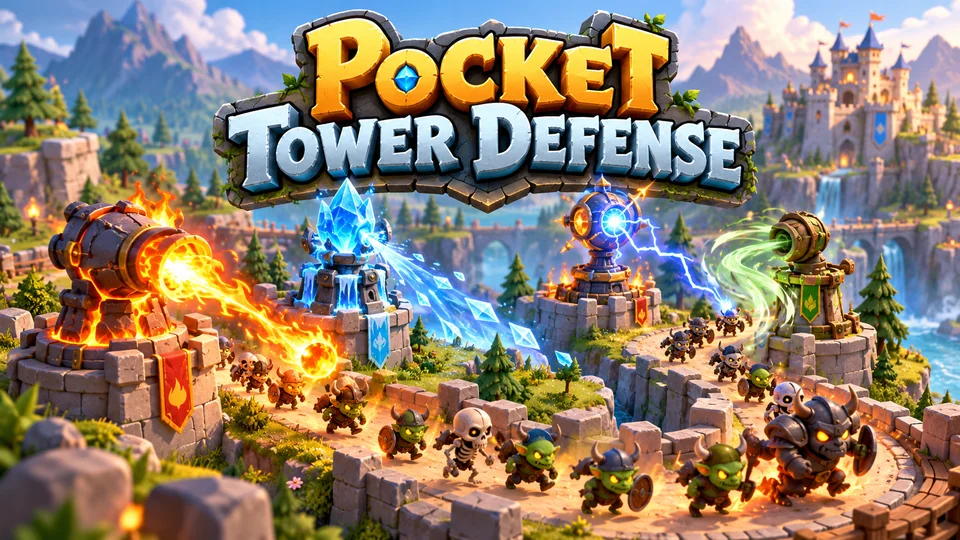
Pocket Tower Defense
Defend compact lanes with repositionable towers and elemental combinations.
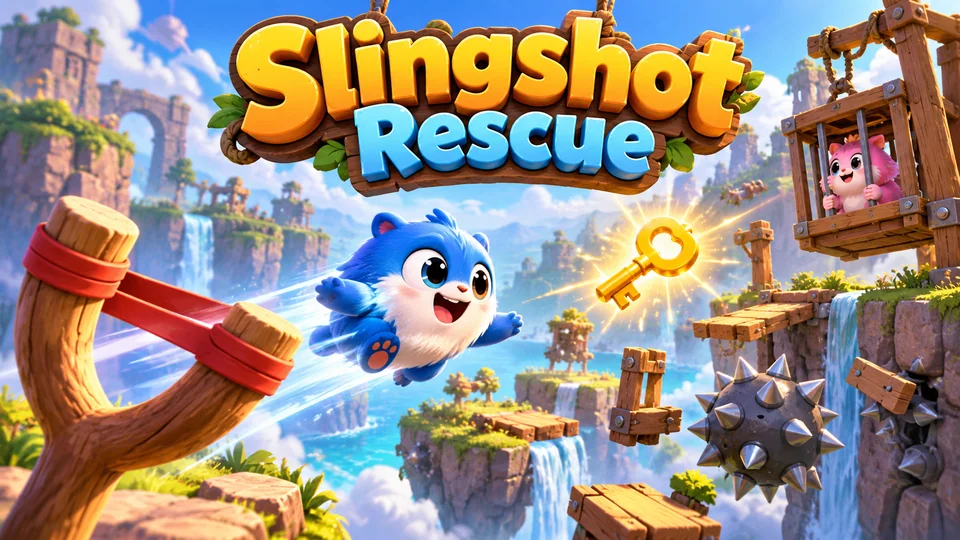
Slingshot Rescue
Launch cute rescue creatures through obstacle courses to collect keys and free trapped friends.
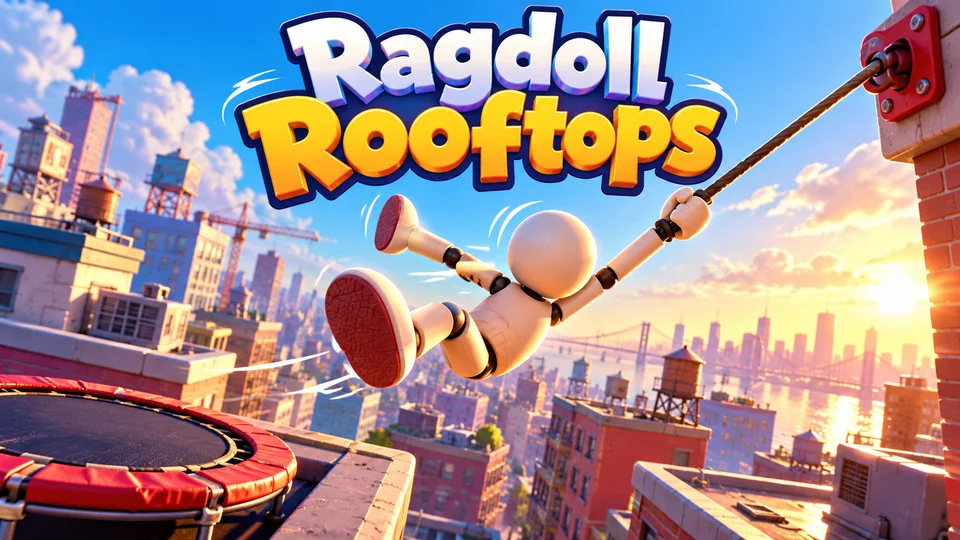
Ragdoll Rooftops
Launch and swing a floppy ragdoll across rooftops, grabbing anchors, bouncing on trampolines and flipping for style to travel as far as possible.
Browse all our HTML5 games with source code, see licensing for game portals, or read about custom work on our HTML5 game development page.
Frequently asked questions
Is there an automatic SWF to HTML5 converter?
No tool turns a SWF into a maintainable HTML5 game. Ruffle runs the SWF as it is, Animate converts the art and timeline of an ActionScript 3 .fla but comments out the code, and decompilers extract assets and code for a manual rewrite.
Can data from Flash games be converted to HTML5?
Game data such as levels and balance tables can be extracted from the SWF and converted to JSON. Player saves were stored in .sol files on each player's computer, so a new HTML5 version can only import them if players upload the file.
Will every Flash game be converted to HTML5?
No. Most Flash games will only survive as the original, run through emulators like Ruffle or archives like Flashpoint. Full HTML5 ports happen when the rights holder still has the source and a reason to relaunch.
Can you still play Flash games in 2026?
Yes, through Ruffle (browser extension or desktop app), Flashpoint Archive or the Internet Archive. You can't play them through Adobe Flash Player, which has blocked all content since January 2021.
Can I make HTML5 games with Flash Professional or Adobe Animate?
Flash Professional is now Adobe Animate, and its HTML5 Canvas documents publish to canvas and JavaScript using CreateJS. It works for small, animation-led games; Animate is in maintenance mode as of October 2026, so new projects are better built in a game engine with Animate used for art.
We make and sell HTML5 game source code; links to our games are marked as ours.