Snake is the best first game to write with HTML5 canvas: the rules fit in your head, but it still needs every part a real game has. The version on this page is complete and playable, and the code is short enough to read in one sitting. Below, we walk through the HTML5 snake game code step by step, then show how to make it work on phones and what separates it from a game you could sell.
How to run it
You don't need a server, a build tool or a library:
- Press Copy code above (or Download .html).
- Paste it into a new file called
snake.htmlwith any text editor. - Double-click the file. It opens in your browser and runs.
You can also paste the code into the HTML game code runner, change a setting and press Run to see the result straight away.
How the code works
The whole game is one <canvas> element and one script. The script has six parts: settings, sizing, state, the simulation step, drawing and input. Each part is small on purpose.
1. Settings you can change
The top of the script holds every number worth tweaking. Changing COLS and ROWS resizes the board; START_SPEED and SPEED_STEP control how fast the snake moves and how quickly it speeds up.
const COLS = 20, ROWS = 20;          // board size in cells
const START_SPEED = 7;               // moves per second at the start
const SPEED_STEP = 0.35;             // extra moves per second for each apple eaten
2. Sizing the canvas for any screen
A canvas has two sizes: the size it takes on the page (CSS pixels) and the size of its drawing buffer. On a phone with a device pixel ratio of 3, a 400-pixel canvas needs a 1,200-pixel buffer to look sharp. resize() picks the largest square cell that fits the window, sets both sizes and scales the drawing context, so the rest of the code can think in CSS pixels.
const dpr = window.devicePixelRatio || 1;
cell = Math.max(8, Math.floor(Math.min(window.innerWidth / COLS, (window.innerHeight - hud) / ROWS)));
canvas.width = Math.round(w * dpr);
canvas.height = Math.round(h * dpr);
ctx.setTransform(dpr, 0, 0, dpr, 0, 0);
3. Game state
The snake is an array of cells, head first. The game is always in one of three states: ready (start screen), playing or over. Keeping the state in one variable makes the start screen and the game over screen two lines of drawing code instead of extra screens to manage.
4. The loop: fixed steps, smooth frames
requestAnimationFrame calls loop() about 60 times a second, but the snake should move a fixed number of cells per second whatever the screen's refresh rate. The loop adds the elapsed time to a timer and runs one step() each time the timer passes 1 / speed. That's the classic fixed-timestep pattern, and it's why the game runs at the same speed on a 60 Hz laptop and a 120 Hz phone.
function loop(now) {
  const dt = Math.min(0.25, (now - last) / 1000);
  last = now;
  if (state === "playing") {
    timer += dt;
    while (timer >= 1 / speed && state === "playing") { timer -= 1 / speed; step(); }
  }
  draw();
  requestAnimationFrame(loop);
}
The Math.min(0.25, …) cap matters: if the tab was in the background, the first frame back can report a delta of several seconds, and without the cap the snake would jump forward many cells at once.
5. One step: move, eat, collide
Each step adds a new head in the current direction. If the head lands on the apple, the tail stays (the snake grows) and a new apple appears on a free cell; otherwise the tail is removed, so the length stays the same. The self-collision check skips the last cell, because the tail moves out of the way in the same step.
const head = { x: snake[0].x + dir.x, y: snake[0].y + dir.y };
const hitsWall = head.x < 0 || head.y < 0 || head.x >= COLS || head.y >= ROWS;
const hitsSelf = snake.slice(0, -1).some((s) => s.x === head.x && s.y === head.y);
Placing the apple by listing free cells, instead of picking random cells until one is empty, guarantees the apple never lands on the snake and never loops forever on a nearly full board.
6. Input that can't kill you unfairly
Players press keys faster than the snake moves. If you change direction immediately on every key press, two quick presses (up, then left while moving right) can turn the snake back into itself before it has moved. The code stores the new direction in nextDir and only applies it at the next step, and it compares against dir, the direction actually moved, so a reverse turn is ignored.
function turn(x, y) {
  if (state === "ready") state = "playing";
  if (state === "over") { reset(); state = "playing"; }
  if (x === -dir.x && y === -dir.y) return;
  nextDir = { x, y };
}
7. Drawing
draw() paints the board, a checkerboard for readability, the apple as a circle and each snake cell as a square with a small gap, then the score bar and, when the game isn't running, a dark overlay with a message. Redrawing everything every frame is simple and fast at this size; there's no need for dirty rectangles or layers.
Make it work on phones
Phones are already handled: the canvas fills the screen, touch-action: none stops the page from scrolling while you swipe, and pointer events cover mouse, pen and touch with one code path. A swipe longer than 24 pixels turns the snake in its main direction; a short tap starts or restarts the game.
const dx = e.clientX - touchStart.x, dy = e.clientY - touchStart.y;
if (Math.abs(dx) > Math.abs(dy)) turn(Math.sign(dx), 0); else turn(0, Math.sign(dy));
If your players hold phones upright, try COLS = 15 and ROWS = 24 for a taller board. For more on touch input, screen sizes and performance, read our guide to HTML5 mobile game development.
Ideas to extend it
- Let the snake wrap around the edges instead of dying at the walls.
- Add obstacles that appear every 5 apples.
- Add a second apple type that is worth 3 points and disappears after 5 seconds.
- Play a short sound on each apple with the Web Audio API (start audio only after the first tap, as browsers require).
- Keep a top-10 list in memory and show it on the game over screen.
- Draw the snake as a continuous rounded line instead of squares.
From prototype to a game you can sell
This file is a good way to learn, and a fine base for a class project or a quick jam entry. A game people pay for, or a game a portal will accept, needs a lot more around the same core loop:
| This Snake file | A production HTML5 game | |
|---|---|---|
| Content | One endless board | Levels or modes, progression, daily challenges |
| Art and sound | Coloured squares, no audio | Original art, animation, music and effects |
| Saves | Score lost on reload | Progress and settings saved per player |
| Platforms | Desktop and phone browsers | Portal SDK hooks, ads, app wrappers, localisation |
| Quality | Tested by hand | Automated tests, cross-browser and device QA |
| Code | One script | A typed project, data files for tuning, docs |
| Licence | MIT, do anything | A commercial licence that covers your use |
That's the gap our games fill. Each one ships as a buildable TypeScript project with tuning in data files and a quick start, so you can reskin it and launch instead of rebuilding a prototype. These three arcade-style games are good places to start:
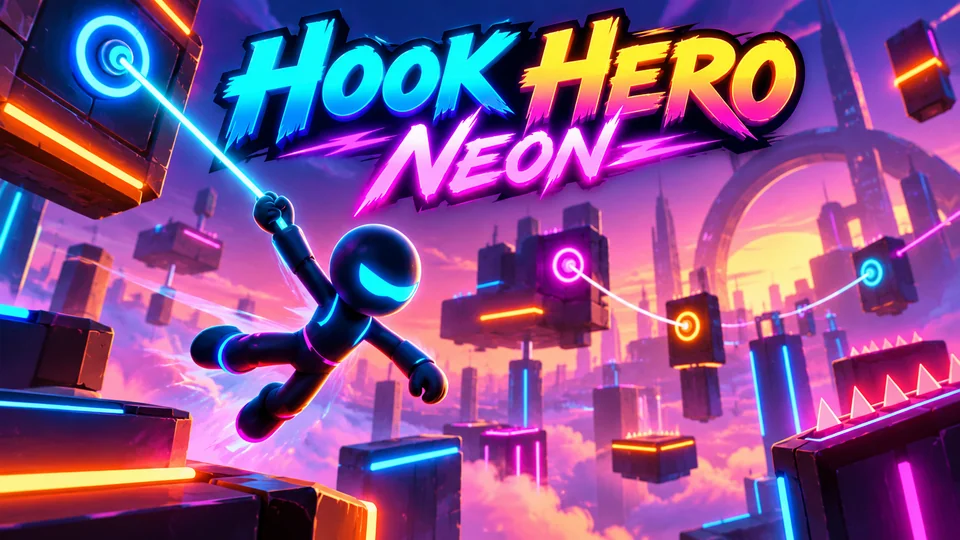
Hook Hero Neon
Tap and hold to grapple neon anchors, swing, release and chain momentum through glowing obstacle courses.
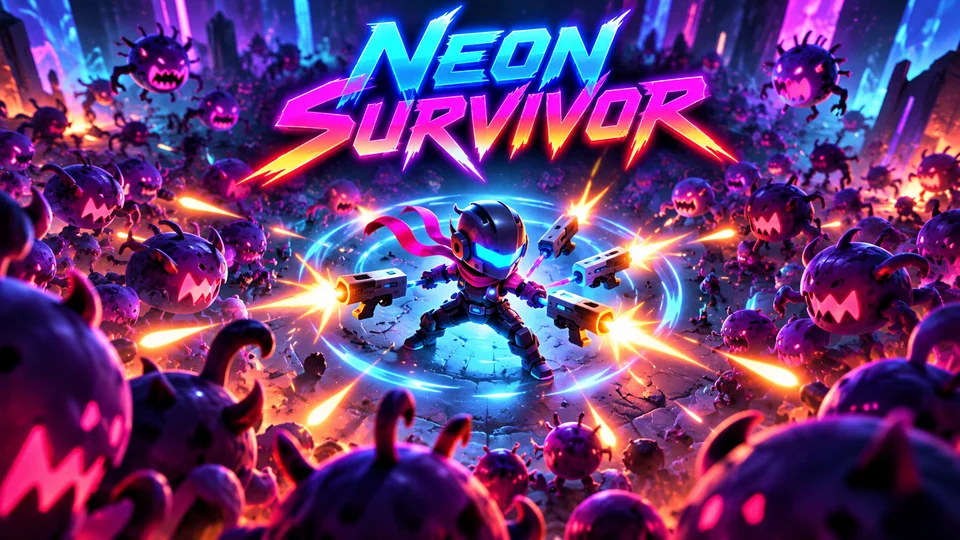
Neon Survivor
Survive enemy swarms while auto-attacking; choose one of three upgrades at each level-up to create emergent builds.
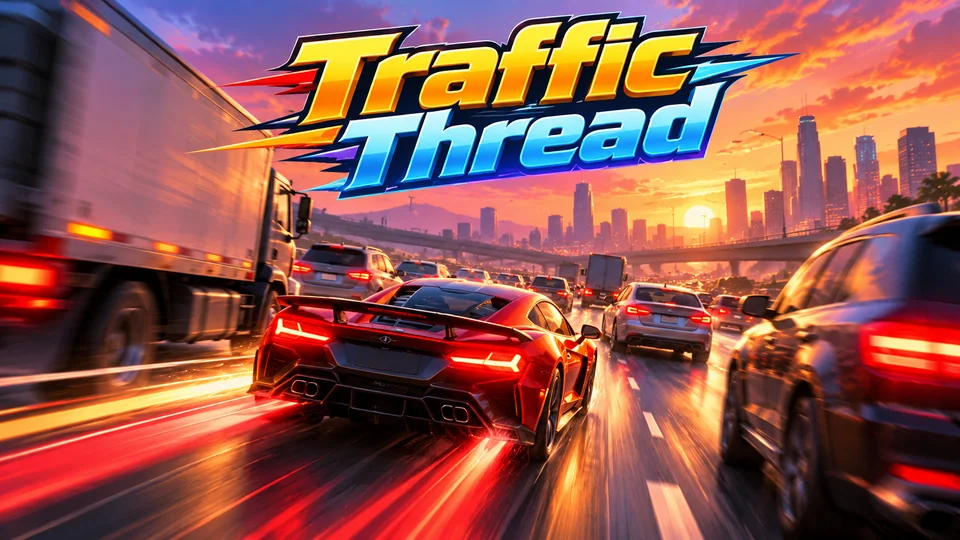
Traffic Thread
Weave through dense highway traffic; near misses fill boost and multiply score.
You can also browse all our HTML5 games with source code or read how to make an HTML5 game from scratch.
The complete code
One file, no libraries. Save it as snake.html and open it in any browser. Free to use under the MIT license: copy it, change it, ship it.
<!doctype html>
<!-- SPDX-License-Identifier: MIT -->
<!-- Snake: a complete HTML5 canvas game in one file. Free to use, change and ship (MIT license). -->
<html lang="en">
<head>
<meta charset="utf-8">
<meta name="viewport" content="width=device-width, initial-scale=1">
<title>Snake (HTML5 canvas)</title>
<style>
  html, body { margin: 0; height: 100%; background: #0b0f0c; color: #e8ffe8; font: 16px system-ui, sans-serif; overflow: hidden; touch-action: none; }
  canvas { display: block; margin: 0 auto; }
</style>
</head>
<body>
<canvas id="game"></canvas>
<script>
// ----- Settings -----
const COLS = 20, ROWS = 20;          // board size in cells
const START_SPEED = 7;               // moves per second at the start
const SPEED_STEP = 0.35;             // extra moves per second for each apple eaten
const COLORS = { board: "#101a12", grid: "#14231a", snake: "#19ef76", head: "#b6ffd2", apple: "#ff5c5c", text: "#e8ffe8" };

const canvas = document.getElementById("game");
const ctx = canvas.getContext("2d");
let cell = 20;                       // pixel size of one cell, set by resize()
let offsetY = 0;                     // room at the top for the score

// ----- Sizing: fill the window, keep square cells, stay sharp on high-DPI screens -----
function resize() {
  const dpr = window.devicePixelRatio || 1;
  const hud = 40;
  cell = Math.max(8, Math.floor(Math.min(window.innerWidth / COLS, (window.innerHeight - hud) / ROWS)));
  const w = cell * COLS, h = cell * ROWS + hud;
  offsetY = hud;
  canvas.style.width = w + "px";
  canvas.style.height = h + "px";
  canvas.width = Math.round(w * dpr);
  canvas.height = Math.round(h * dpr);
  ctx.setTransform(dpr, 0, 0, dpr, 0, 0);
  draw();
}

// ----- Game state -----
let snake, dir, nextDir, apple, score, best = 0, state, speed, timer = 0, last = 0;

function reset() {
  const mid = Math.floor(ROWS / 2);
  snake = [{ x: 5, y: mid }, { x: 4, y: mid }, { x: 3, y: mid }];
  dir = { x: 1, y: 0 };
  nextDir = dir;
  score = 0;
  speed = START_SPEED;
  placeApple();
  state = "ready";                   // ready → playing → over
}

function placeApple() {
  // Pick a random free cell (the board always has one until the snake fills it).
  const free = [];
  for (let y = 0; y < ROWS; y++) for (let x = 0; x < COLS; x++) {
    if (!snake.some((s) => s.x === x && s.y === y)) free.push({ x, y });
  }
  apple = free[Math.floor(Math.random() * free.length)];
}

function turn(x, y) {
  if (state === "ready") state = "playing";
  if (state === "over") { reset(); state = "playing"; }
  // No reversing straight into yourself: compare against the direction actually moved last.
  if (x === -dir.x && y === -dir.y) return;
  nextDir = { x, y };
}

// ----- One step of the simulation -----
function step() {
  dir = nextDir;
  const head = { x: snake[0].x + dir.x, y: snake[0].y + dir.y };
  const hitsWall = head.x < 0 || head.y < 0 || head.x >= COLS || head.y >= ROWS;
  // The tail moves away this step, so only the rest of the body can be hit.
  const hitsSelf = snake.slice(0, -1).some((s) => s.x === head.x && s.y === head.y);
  if (hitsWall || hitsSelf) {
    state = "over";
    best = Math.max(best, score);
    return;
  }
  snake.unshift(head);
  if (head.x === apple.x && head.y === apple.y) {
    score++;
    speed += SPEED_STEP;
    if (snake.length === COLS * ROWS) { state = "over"; best = Math.max(best, score); return; }
    placeApple();
  } else {
    snake.pop();
  }
}

// ----- Drawing -----
function draw() {
  const w = cell * COLS;
  ctx.fillStyle = "#0b0f0c";
  ctx.fillRect(0, 0, w, offsetY);
  ctx.fillStyle = COLORS.board;
  ctx.fillRect(0, offsetY, w, cell * ROWS);
  ctx.fillStyle = COLORS.grid;
  for (let y = 0; y < ROWS; y++) for (let x = (y % 2); x < COLS; x += 2) ctx.fillRect(x * cell, offsetY + y * cell, cell, cell);

  if (!snake) return;
  const pad = Math.max(1, Math.floor(cell * 0.08));
  ctx.fillStyle = COLORS.apple;
  ctx.beginPath();
  ctx.arc(apple.x * cell + cell / 2, offsetY + apple.y * cell + cell / 2, cell / 2 - pad, 0, Math.PI * 2);
  ctx.fill();
  snake.forEach((s, i) => {
    ctx.fillStyle = i === 0 ? COLORS.head : COLORS.snake;
    ctx.fillRect(s.x * cell + pad, offsetY + s.y * cell + pad, cell - pad * 2, cell - pad * 2);
  });

  ctx.fillStyle = COLORS.text;
  ctx.font = `600 ${Math.min(20, Math.max(14, cell * 0.8))}px system-ui, sans-serif`;
  ctx.textBaseline = "middle";
  ctx.textAlign = "left";
  ctx.fillText(`Score ${score}`, 10, offsetY / 2);
  ctx.textAlign = "right";
  ctx.fillText(`Best ${best}`, w - 10, offsetY / 2);

  if (state !== "playing") {
    ctx.fillStyle = "rgba(0, 0, 0, 0.6)";
    ctx.fillRect(0, offsetY, w, cell * ROWS);
    ctx.fillStyle = COLORS.text;
    ctx.textAlign = "center";
    const cx = w / 2, cy = offsetY + (cell * ROWS) / 2;
    ctx.font = `700 ${Math.max(18, cell * 1.2)}px system-ui, sans-serif`;
    ctx.fillText(state === "over" ? "Game over" : "Snake", cx, cy - cell);
    ctx.font = `500 ${Math.max(13, cell * 0.7)}px system-ui, sans-serif`;
    ctx.fillText("Arrows / WASD or swipe to play", cx, cy + cell * 0.6);
  }
}

// ----- Main loop: fixed-rate steps, smooth drawing -----
function loop(now) {
  const dt = Math.min(0.25, (now - last) / 1000);
  last = now;
  if (state === "playing") {
    timer += dt;
    while (timer >= 1 / speed && state === "playing") { timer -= 1 / speed; step(); }
  }
  draw();
  requestAnimationFrame(loop);
}

// ----- Input: keyboard, swipe and tap -----
const KEYS = { ArrowUp: [0, -1], KeyW: [0, -1], ArrowDown: [0, 1], KeyS: [0, 1], ArrowLeft: [-1, 0], KeyA: [-1, 0], ArrowRight: [1, 0], KeyD: [1, 0] };
window.addEventListener("keydown", (e) => {
  const d = KEYS[e.code];
  if (d) { e.preventDefault(); turn(d[0], d[1]); }
  else if ((e.code === "Space" || e.code === "Enter") && state !== "playing") { e.preventDefault(); turn(dir.x, dir.y); }
});

let touchStart = null;
canvas.addEventListener("pointerdown", (e) => { touchStart = { x: e.clientX, y: e.clientY }; });
canvas.addEventListener("pointerup", (e) => {
  if (!touchStart) return;
  const dx = e.clientX - touchStart.x, dy = e.clientY - touchStart.y;
  touchStart = null;
  if (Math.max(Math.abs(dx), Math.abs(dy)) < 24) { if (state !== "playing") turn(dir.x, dir.y); return; }
  if (Math.abs(dx) > Math.abs(dy)) turn(Math.sign(dx), 0); else turn(0, Math.sign(dy));
});

window.addEventListener("resize", resize);
reset();
resize();
requestAnimationFrame((t) => { last = t; loop(t); });
</script>
</body>
</html>
Frequently asked questions
Is this Snake game code free to use?
Yes. The file is MIT-licensed: you can copy it, change it and use it in personal or commercial projects. Keep the licence line at the top of the file.
Do I need a library like Phaser to make Snake?
No. Snake needs only the canvas 2D API and a few event listeners, which every browser has. A framework like Phaser starts to pay off when you add sprites, animation, sound, scenes and physics.
How do I put this Snake game on my website?
Upload snake.html to your web host and link to it, or show it inside a page with an <iframe>. Our guide to embedding an HTML5 game in a website covers WordPress, Wix and Google Sites.
How do I add a high score that survives a reload?
Save best with localStorage.setItem when a game ends and read it in reset(). Wrap both calls in try/catch: some browsers and sandboxed frames (like the player on this page) block storage.
Why does the snake sometimes ignore a quick double turn?
Each step applies one turn. If you press two directions between steps, only the last one counts, which stops the snake from turning back into itself. To queue turns instead, store pressed directions in an array and take one per step.
We make and sell HTML5 game source code; links to our games are marked as ours.